Tidsala
Short
37 wordsTidsala is a countdown app for iPhone and iPad that turns every date into a generative artwork that paints itself in, day by day. Each piece is drawn by an algorithm on your device, from a seed.
Press kit
Countdowns painted as art.
An iPhone and iPad countdown app where every date becomes a generative artwork that paints itself in, one day at a time. Each piece is drawn by an algorithm on your device, from a seed. Out now on the App Store, since .
Fact sheet
Free to download, with everything a countdown app needs included. Extra art is sold as one-time purchases.
No ads, no subscription and no account. Tidsala collects no data: events stay on the device and in the user’s own private iCloud database.
Screenshots
Click a screenshot for the full-size PNG. The ZIPs also contain the same screens without captions.
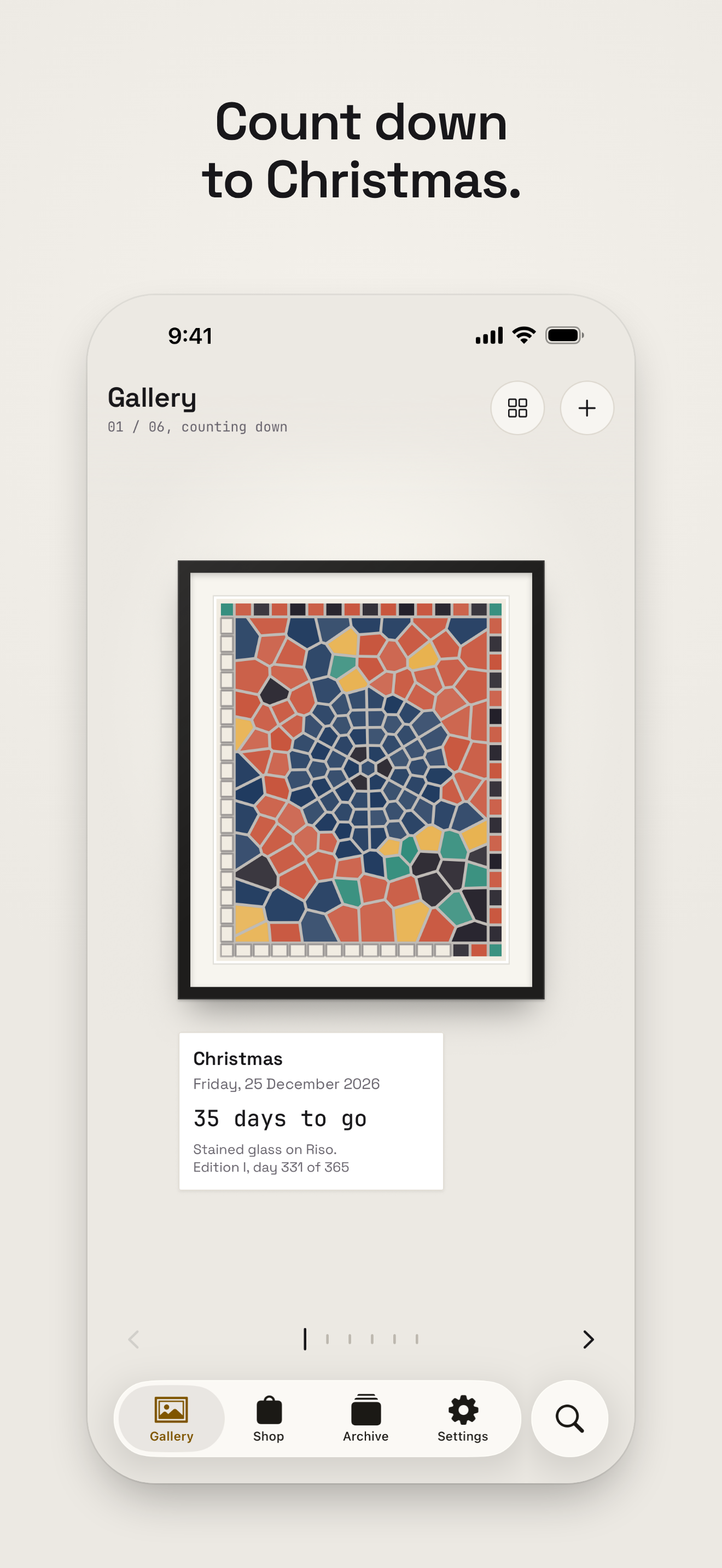
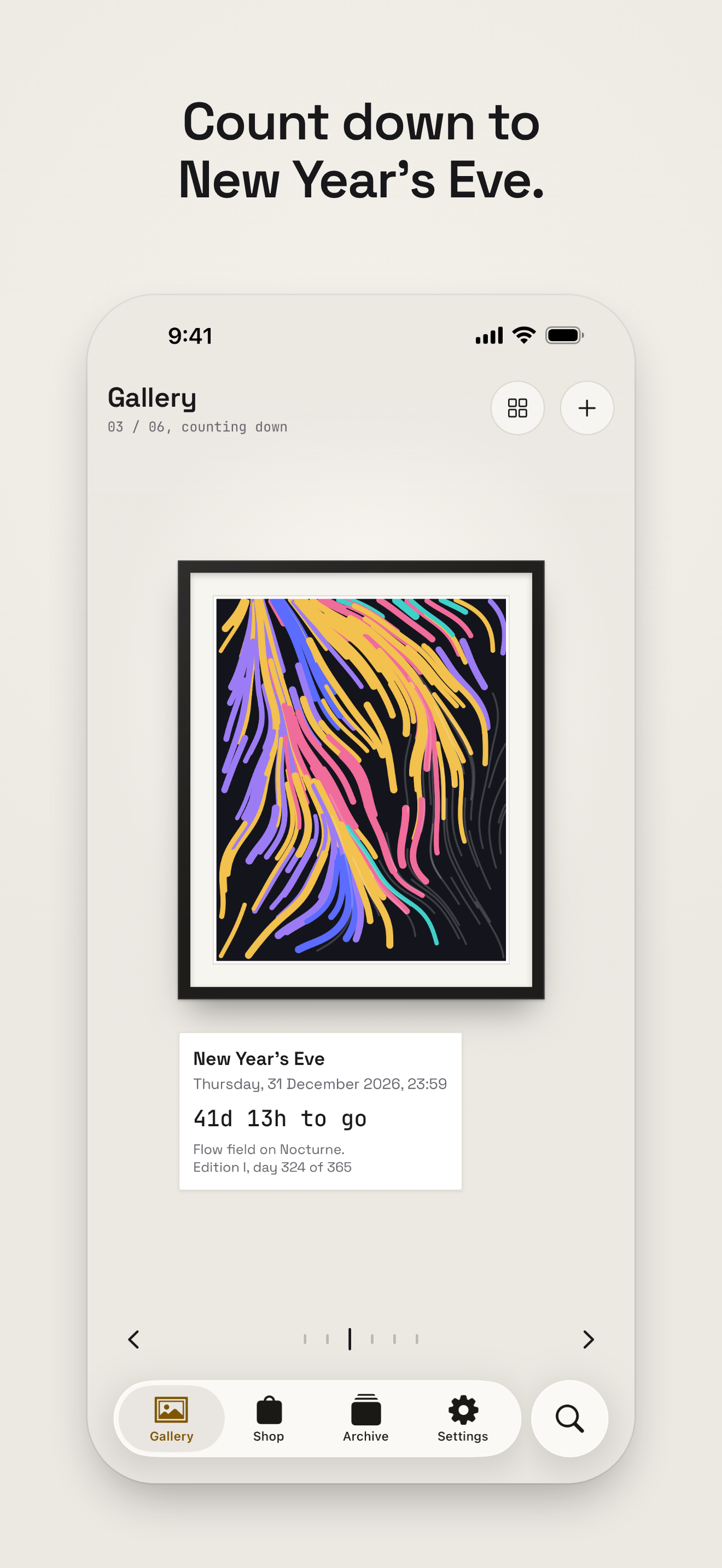
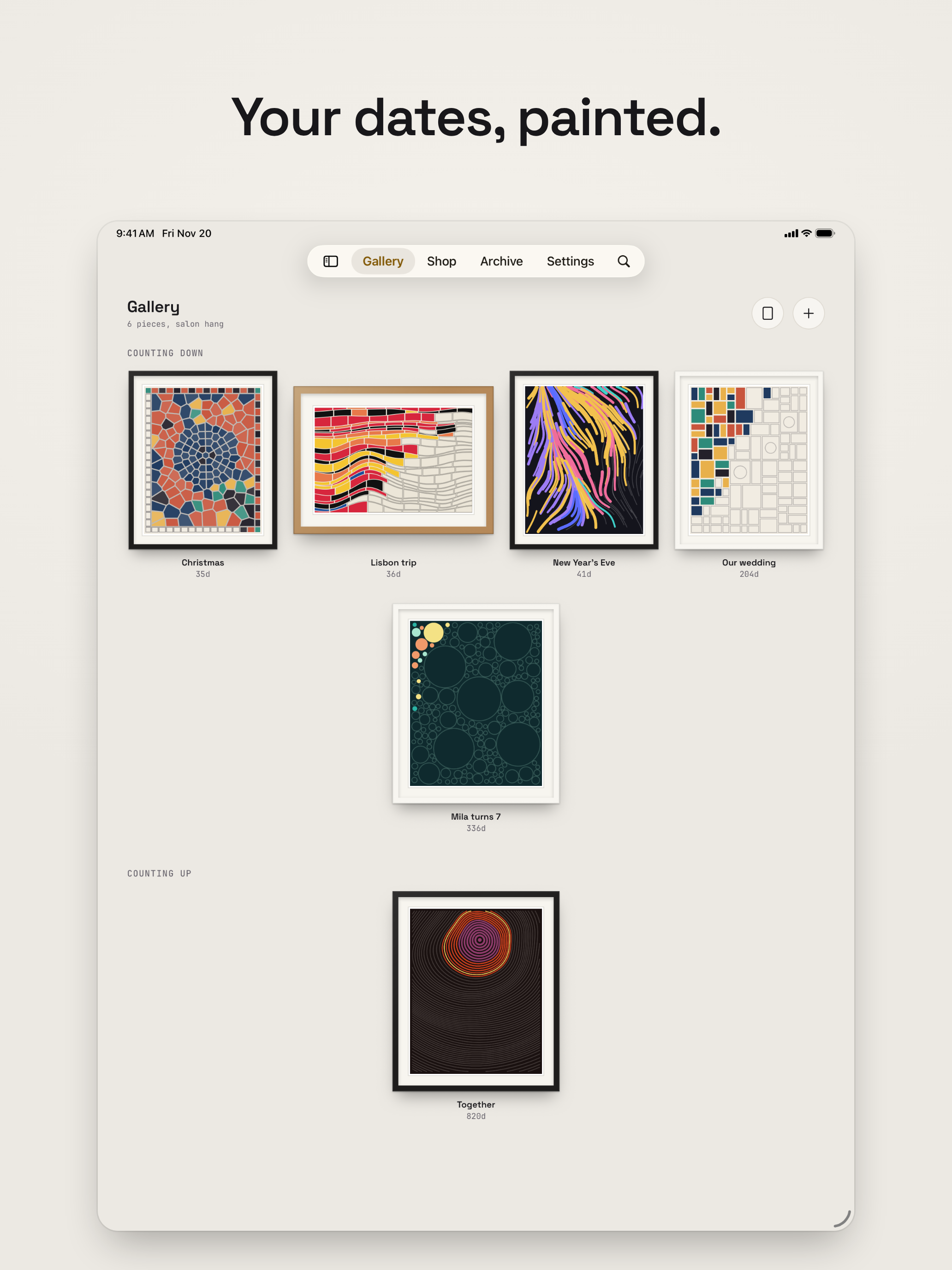
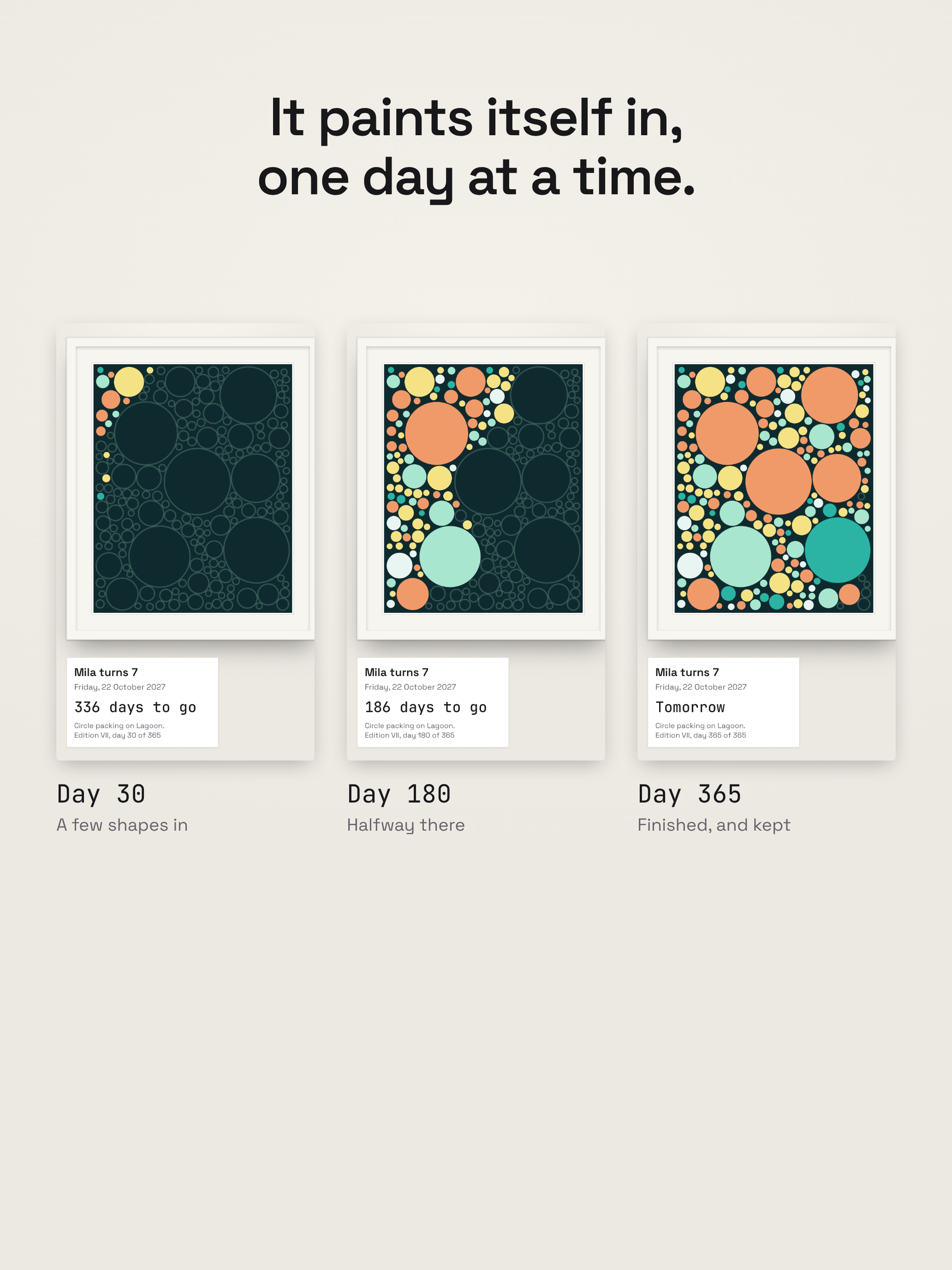
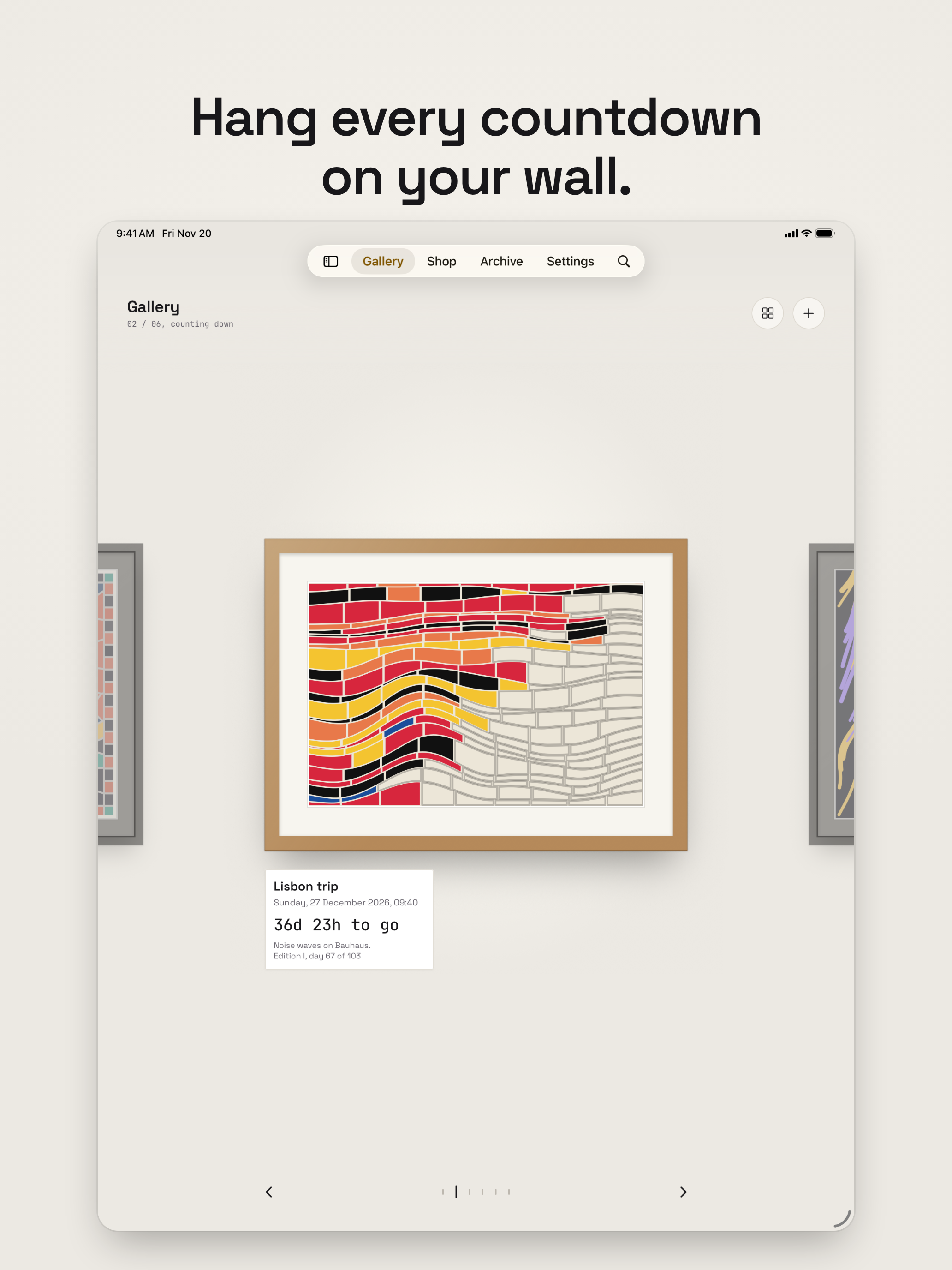
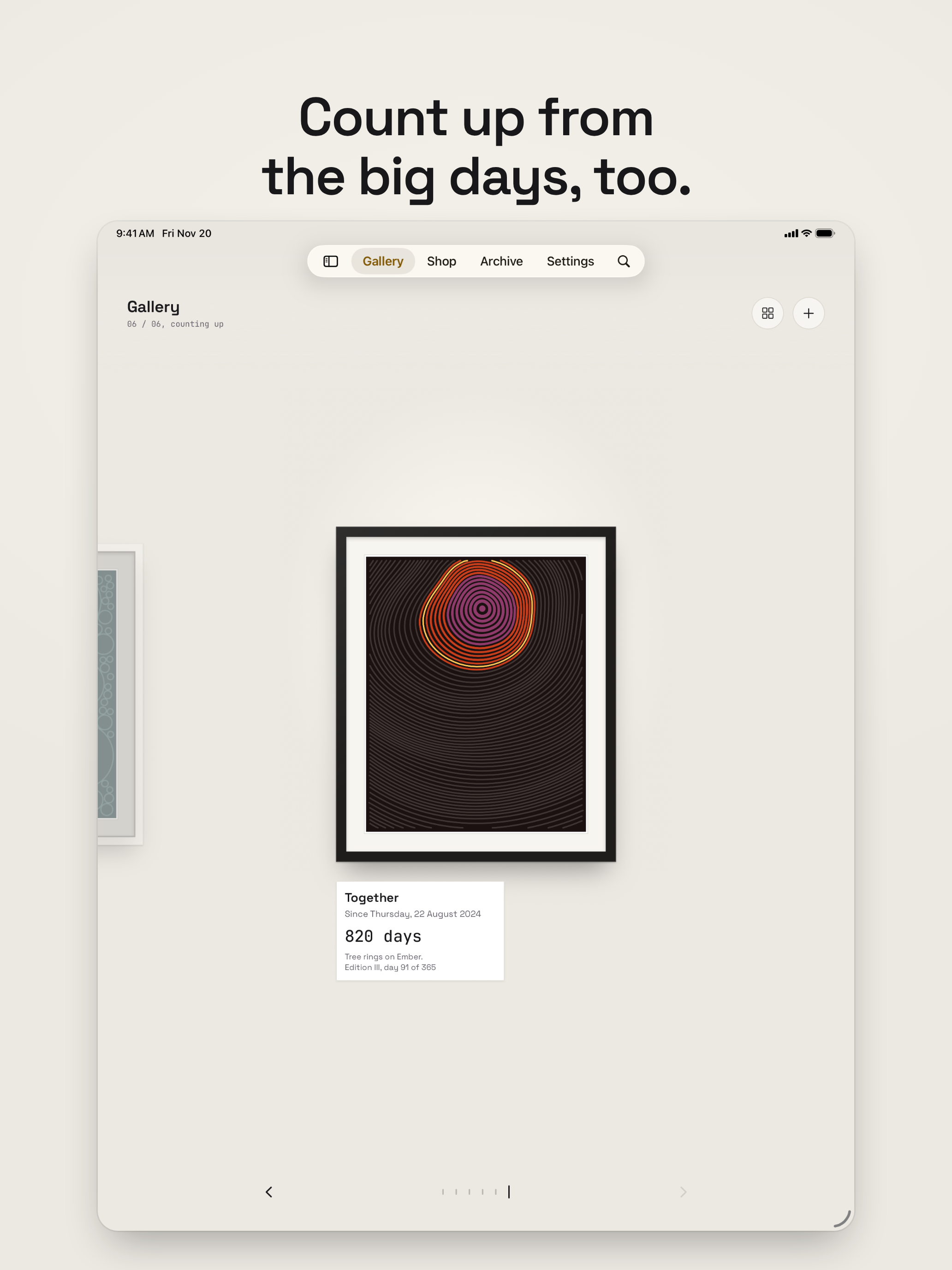
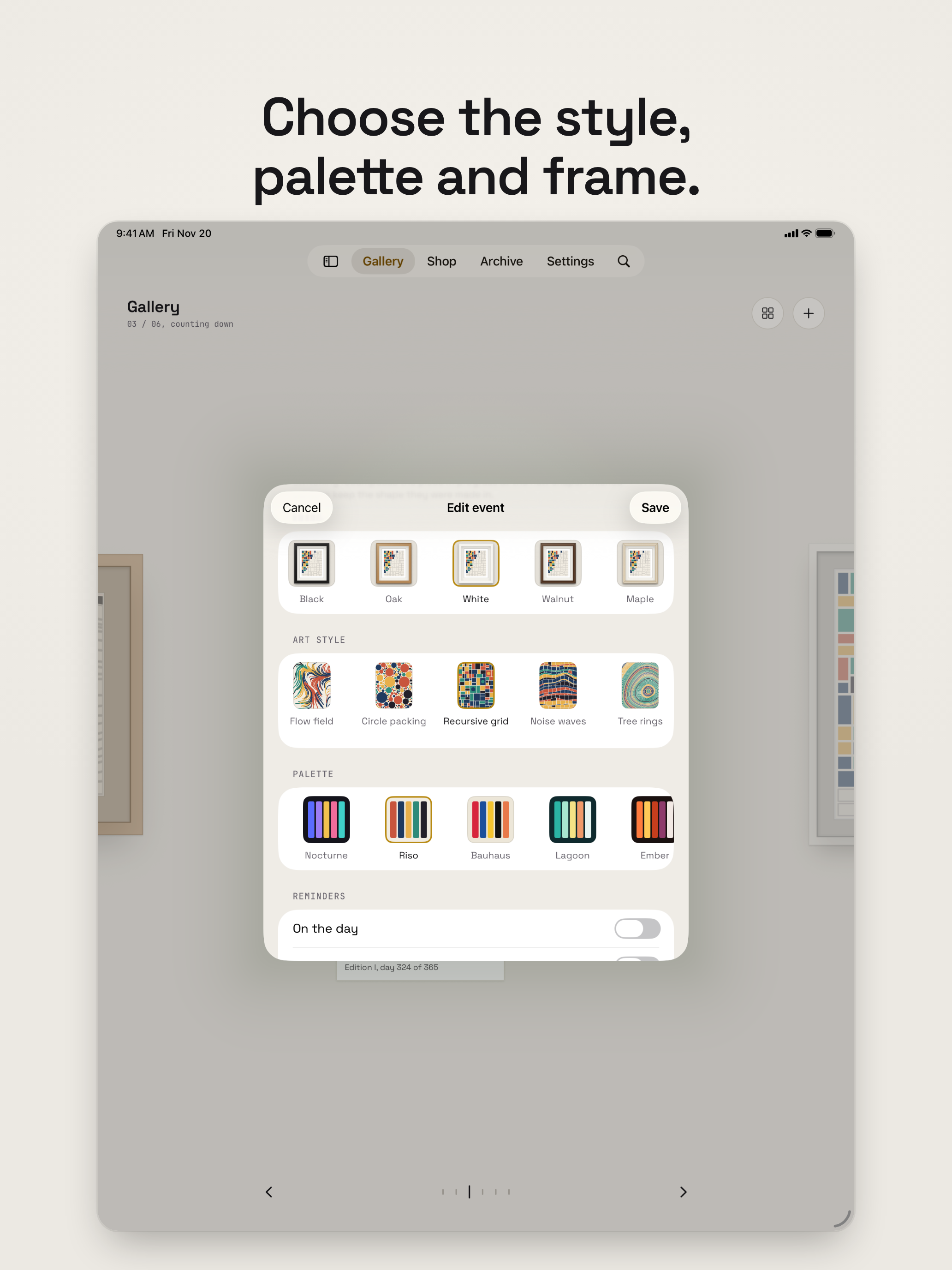
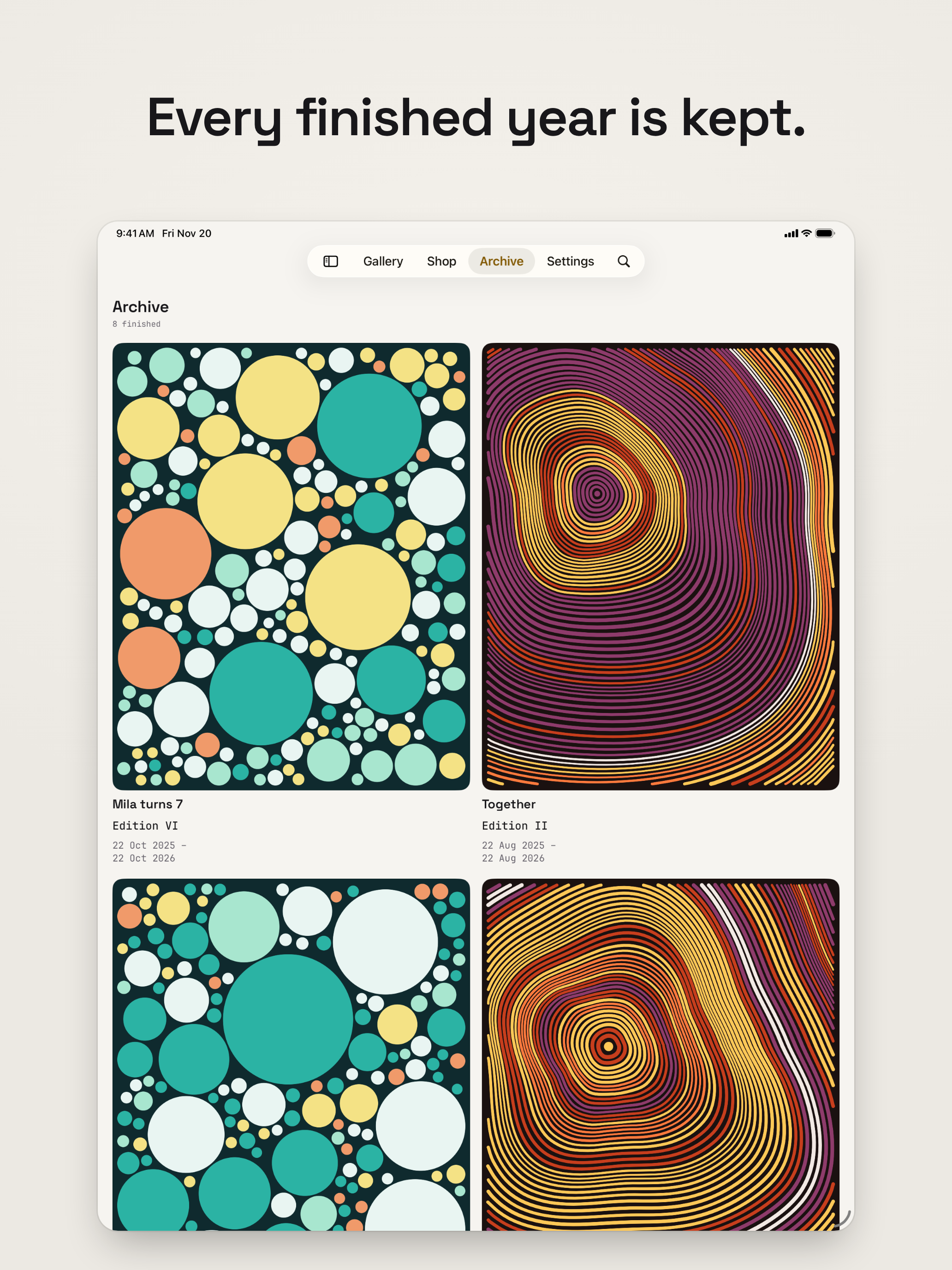
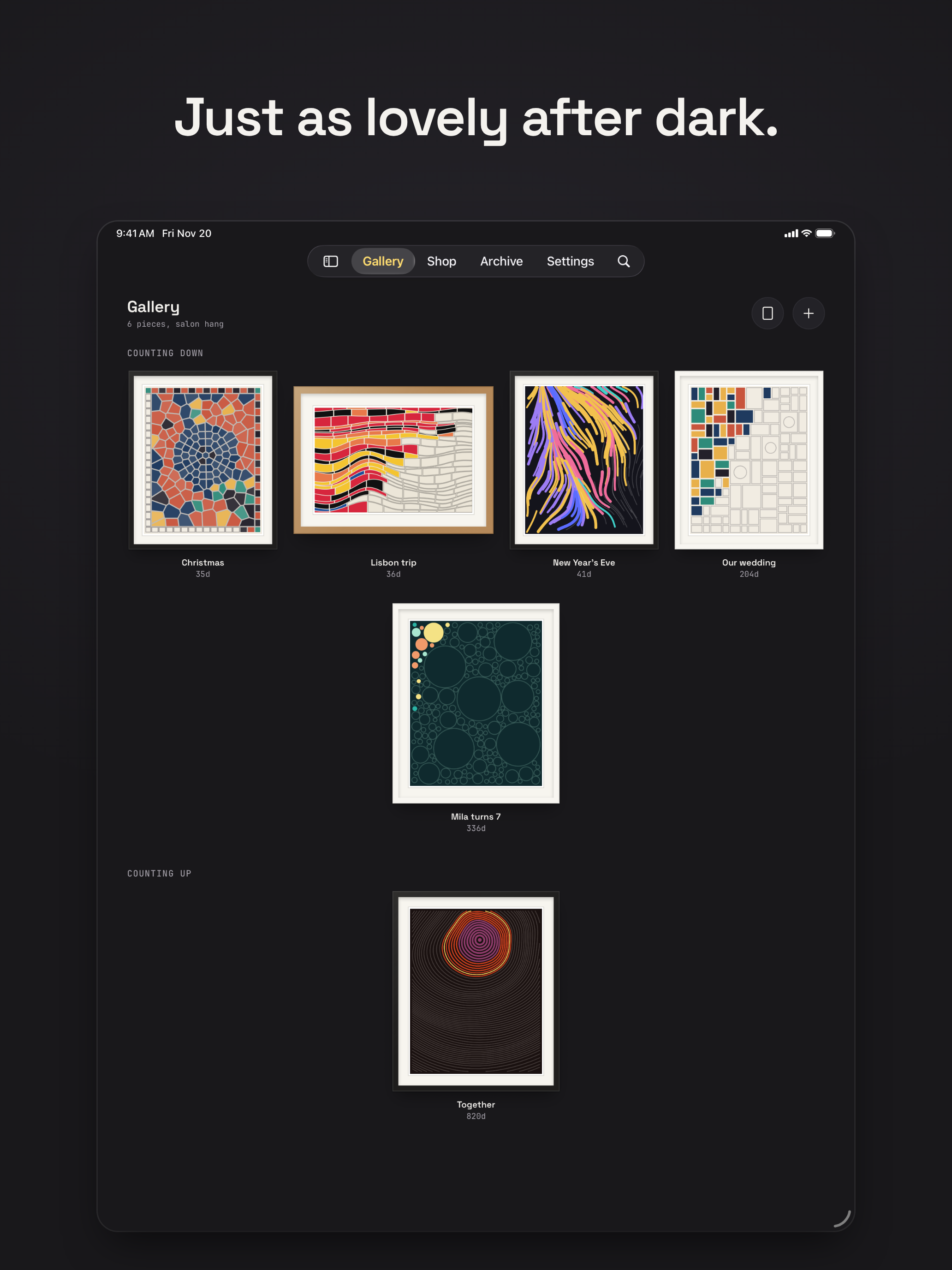
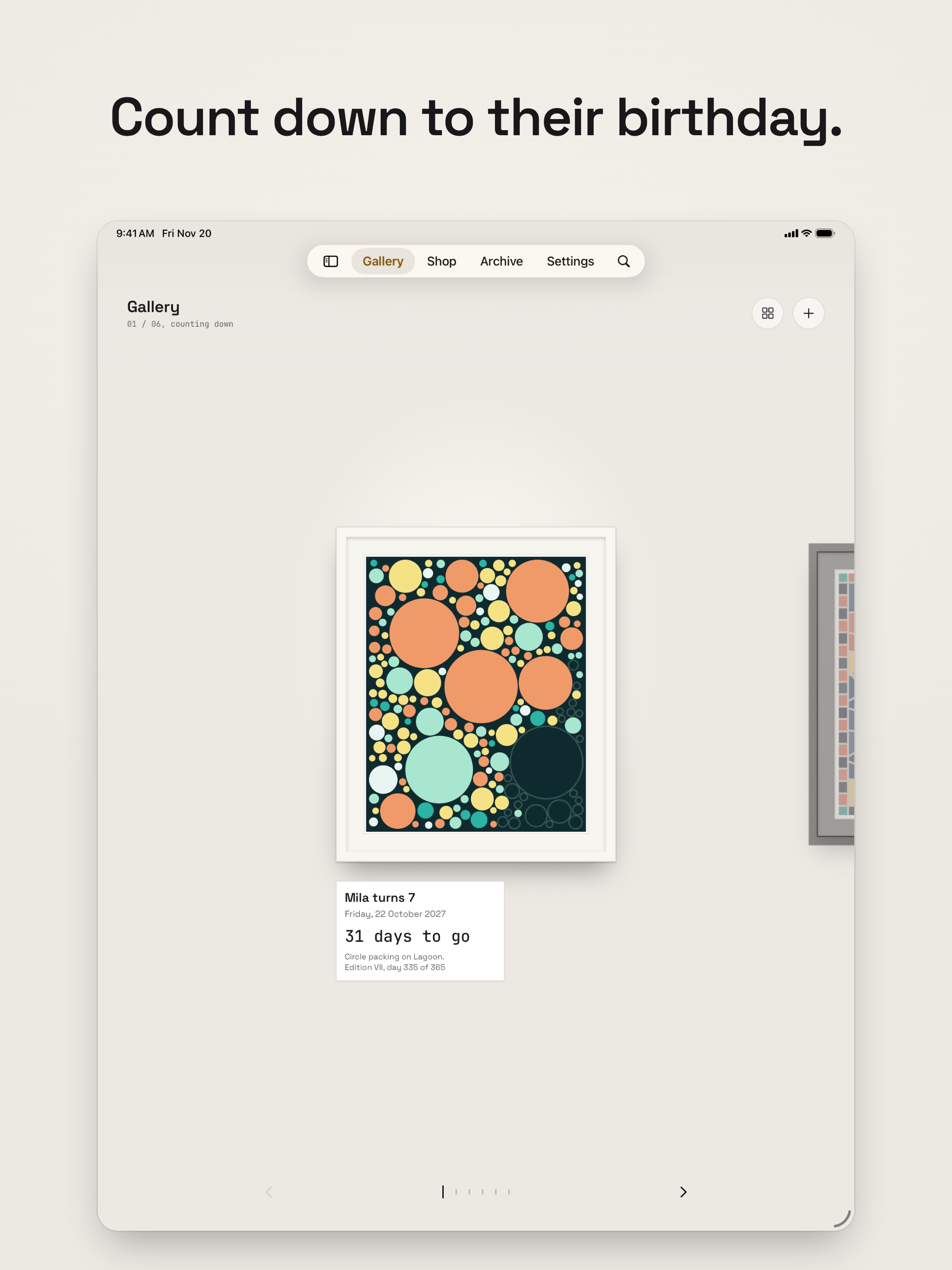
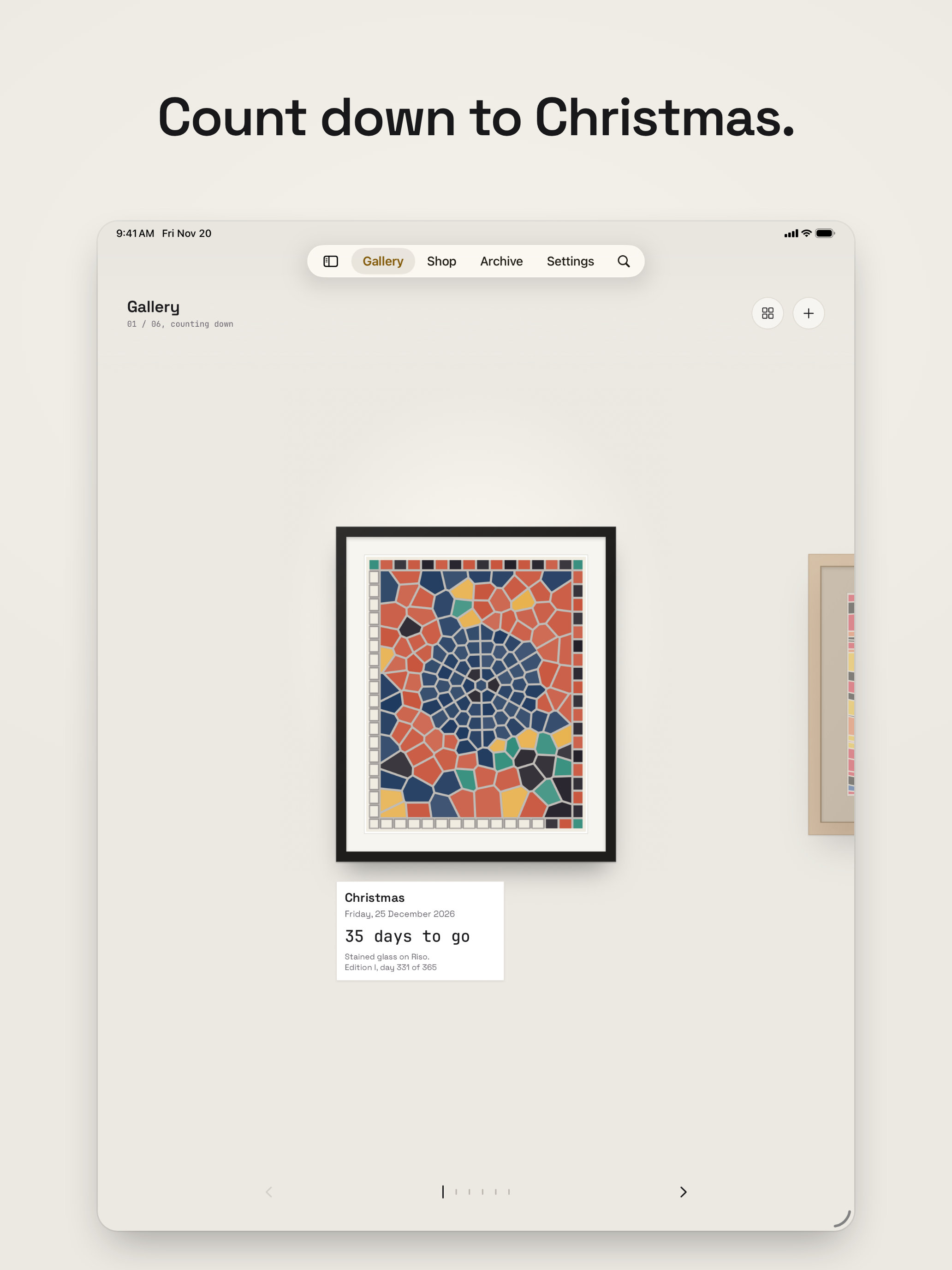
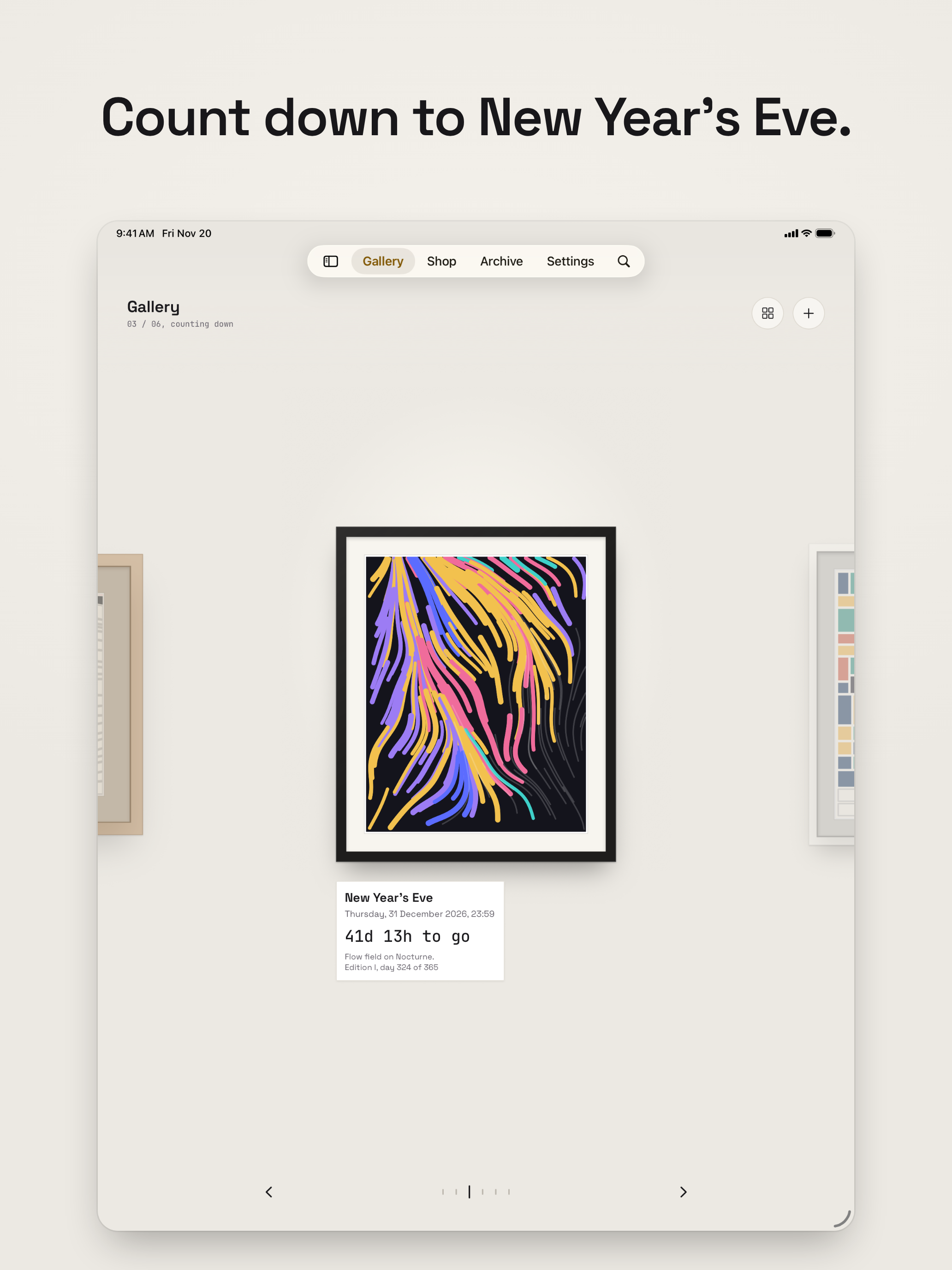
Artwork
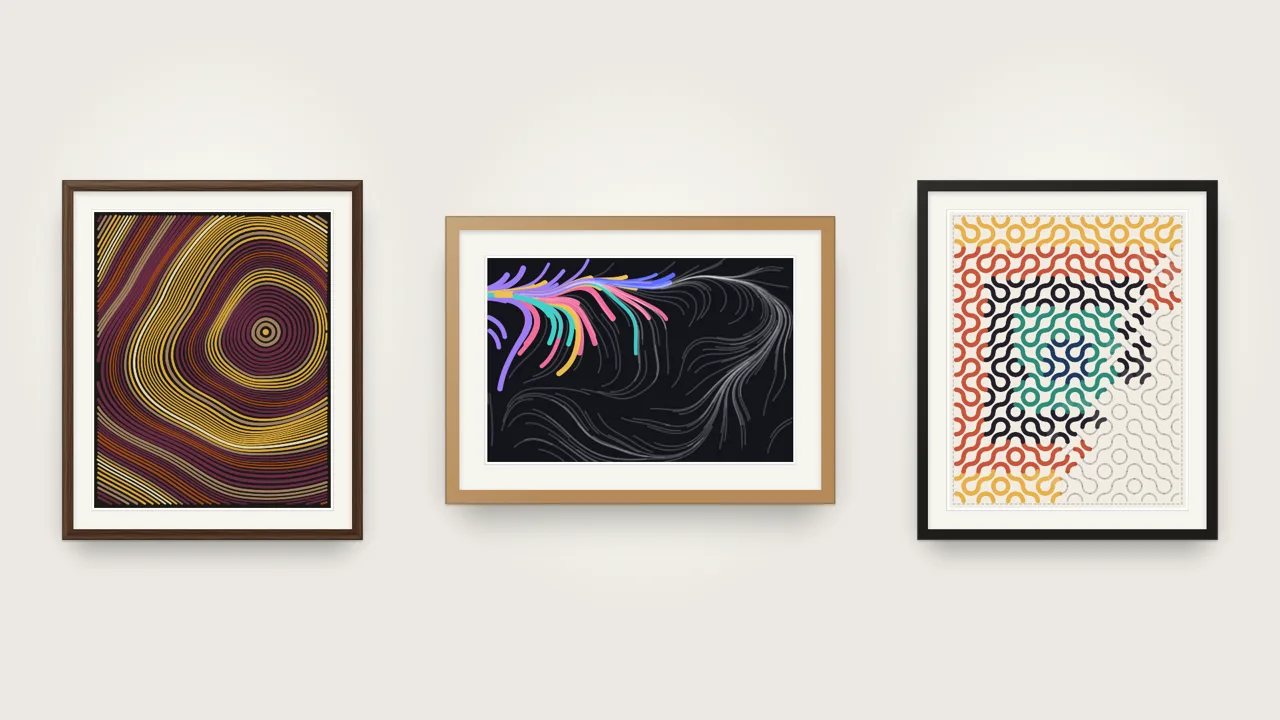
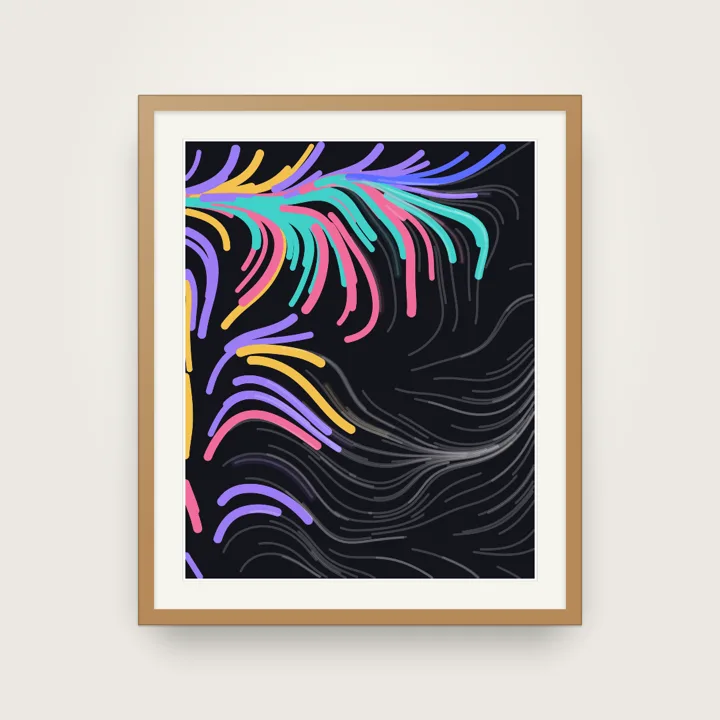
Rendered with the app’s own drawing code, at 2400 × 3000 and 3000 × 2000. Each piece comes framed and unframed.
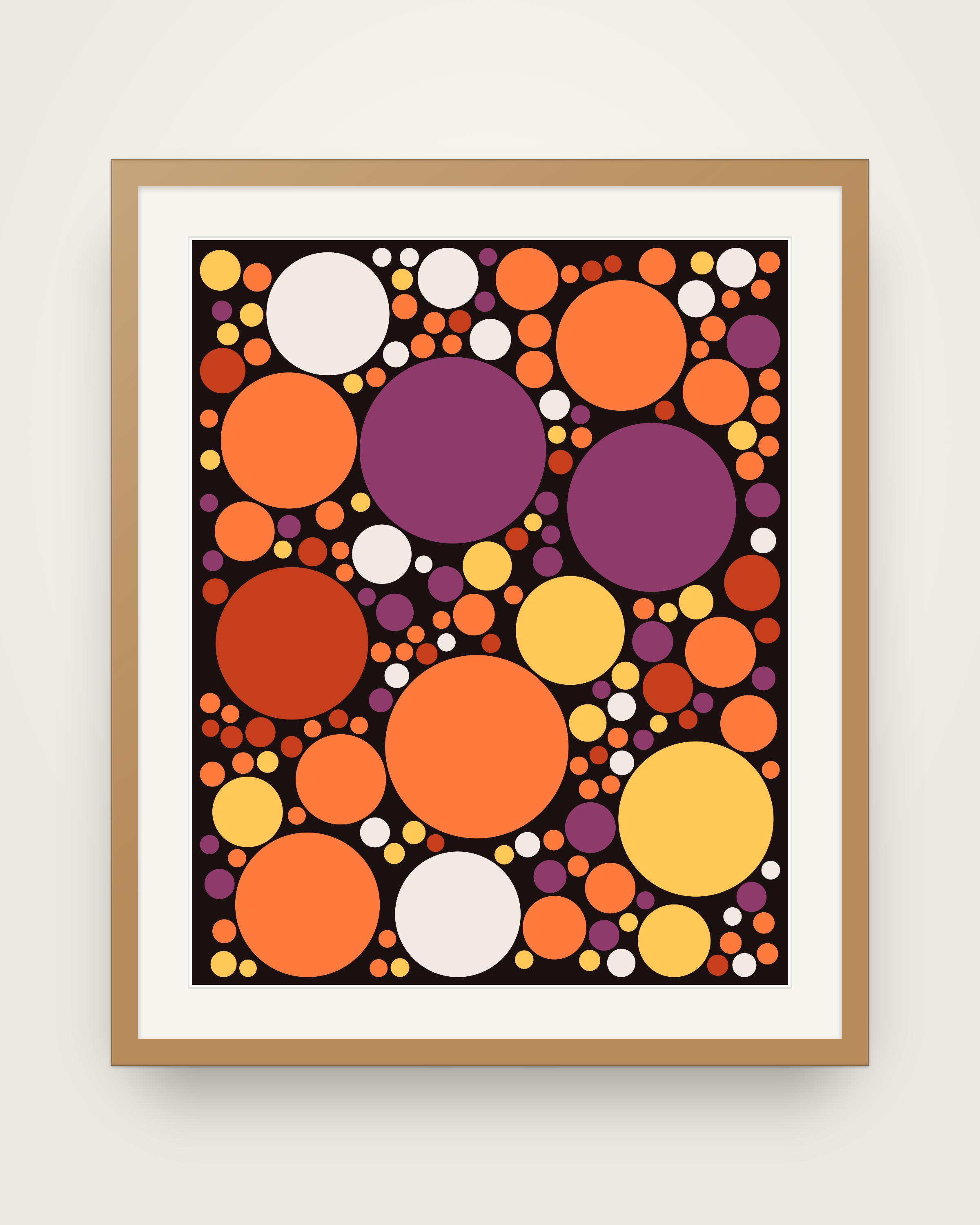
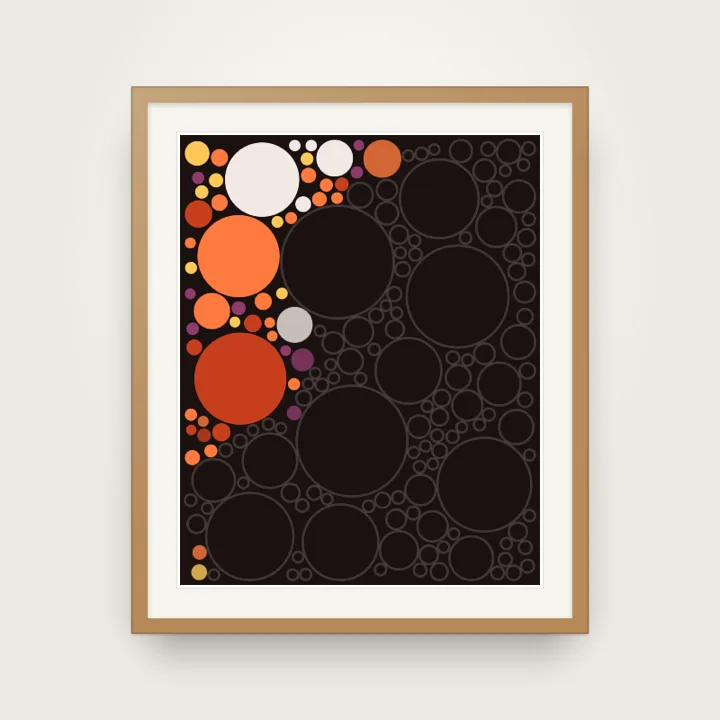
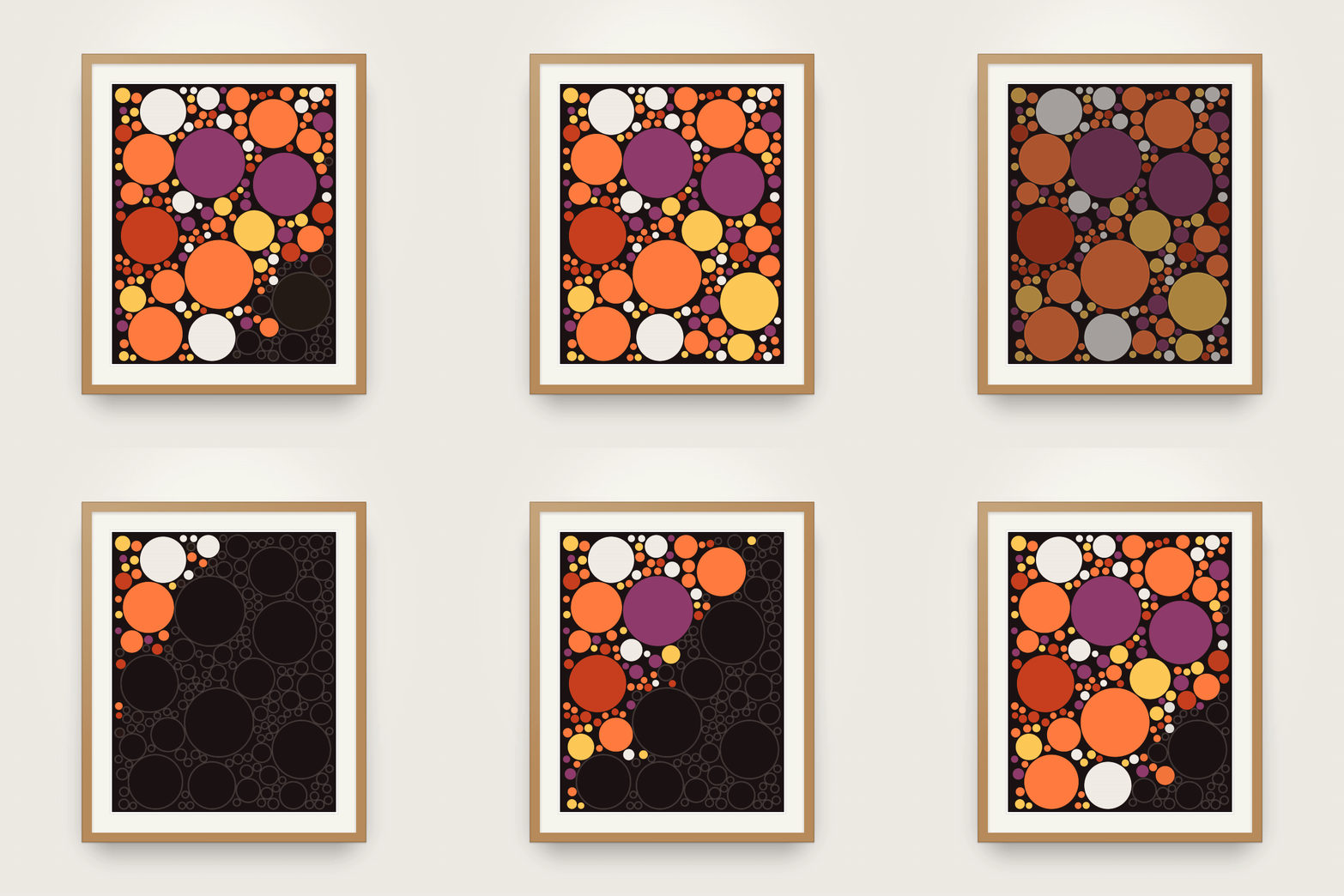
Circle packing Ember, oak frame
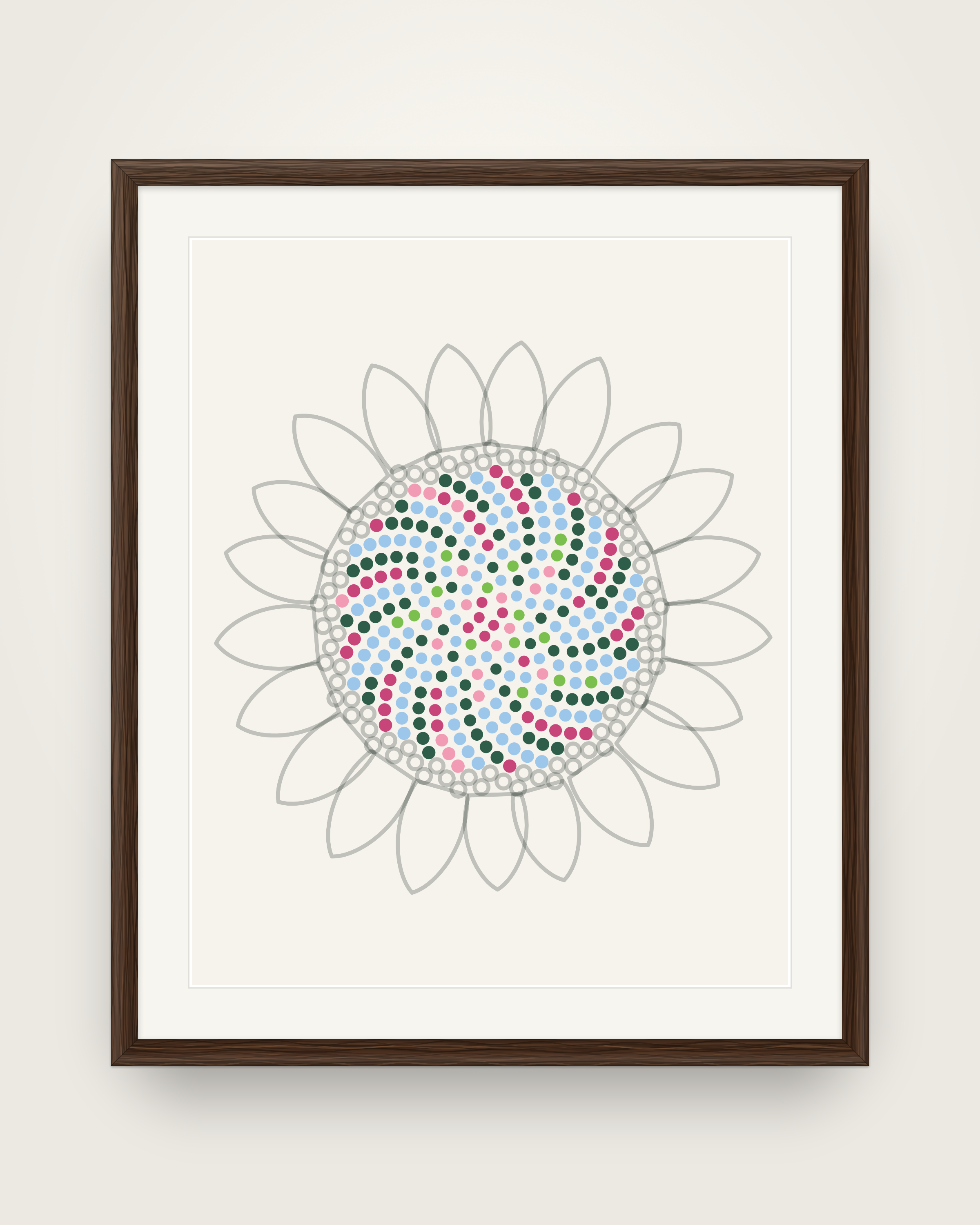
Sunflower Spring, walnut frame
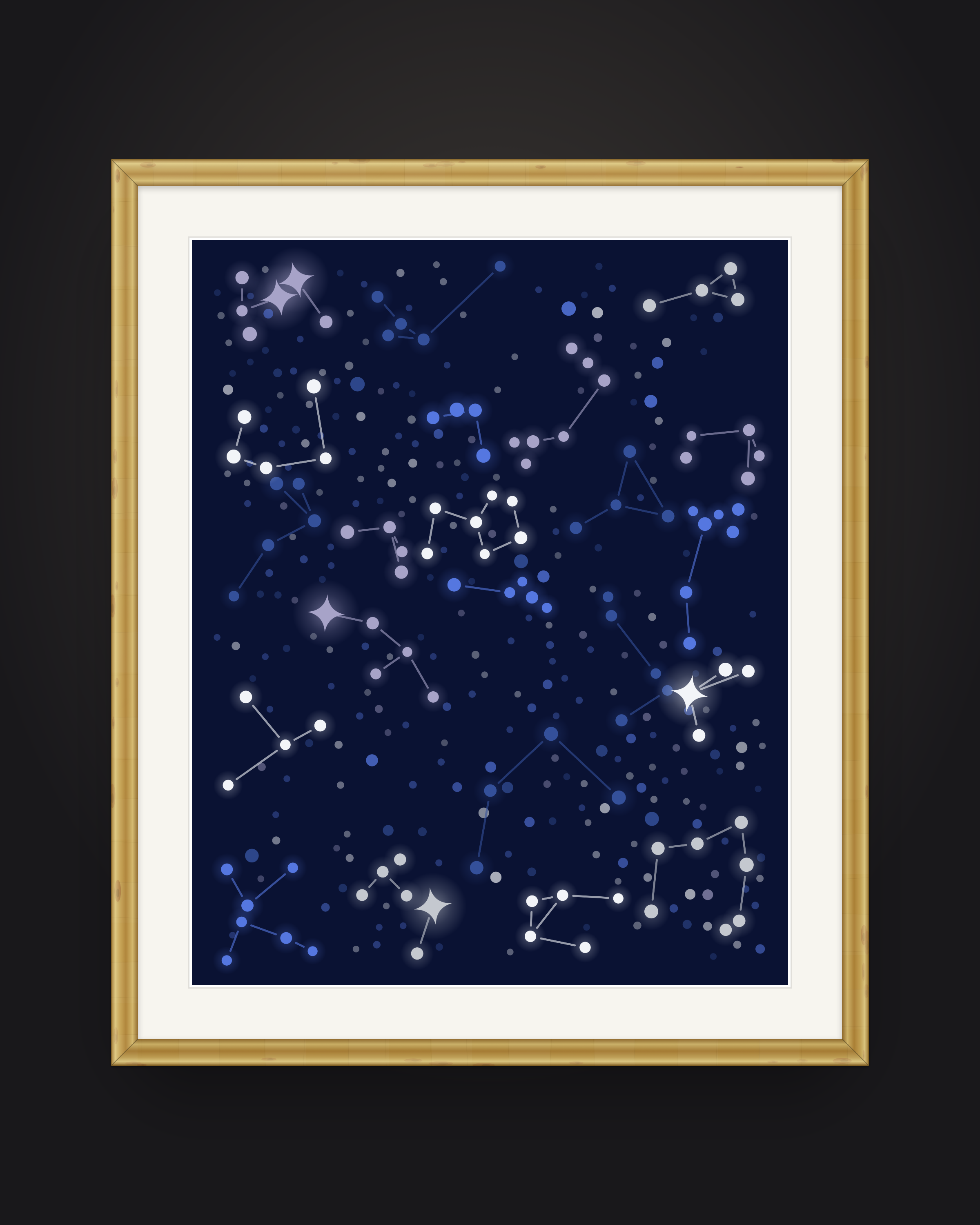
Constellations Midnight, gold leaf frame
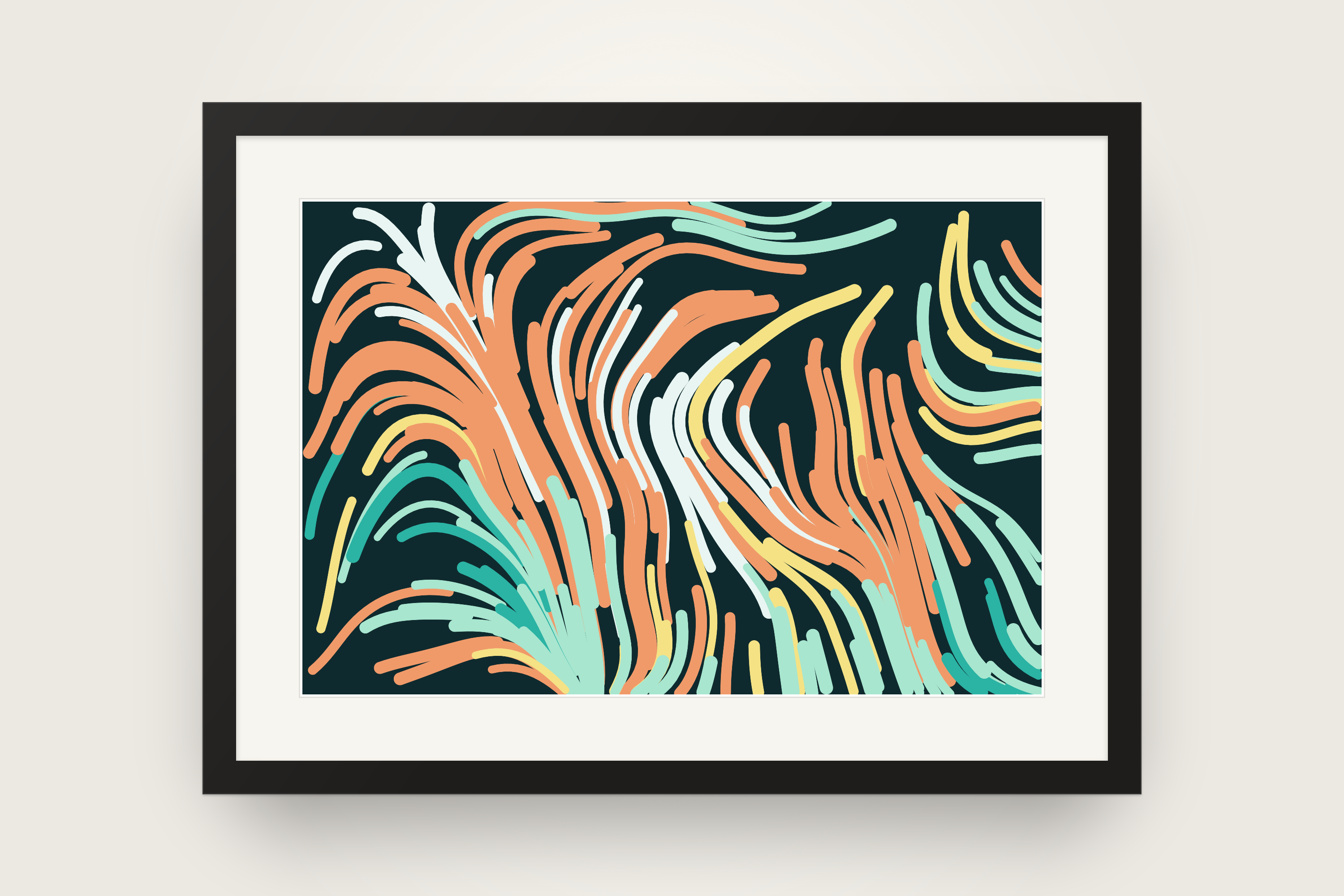
Flow field Lagoon, black frame
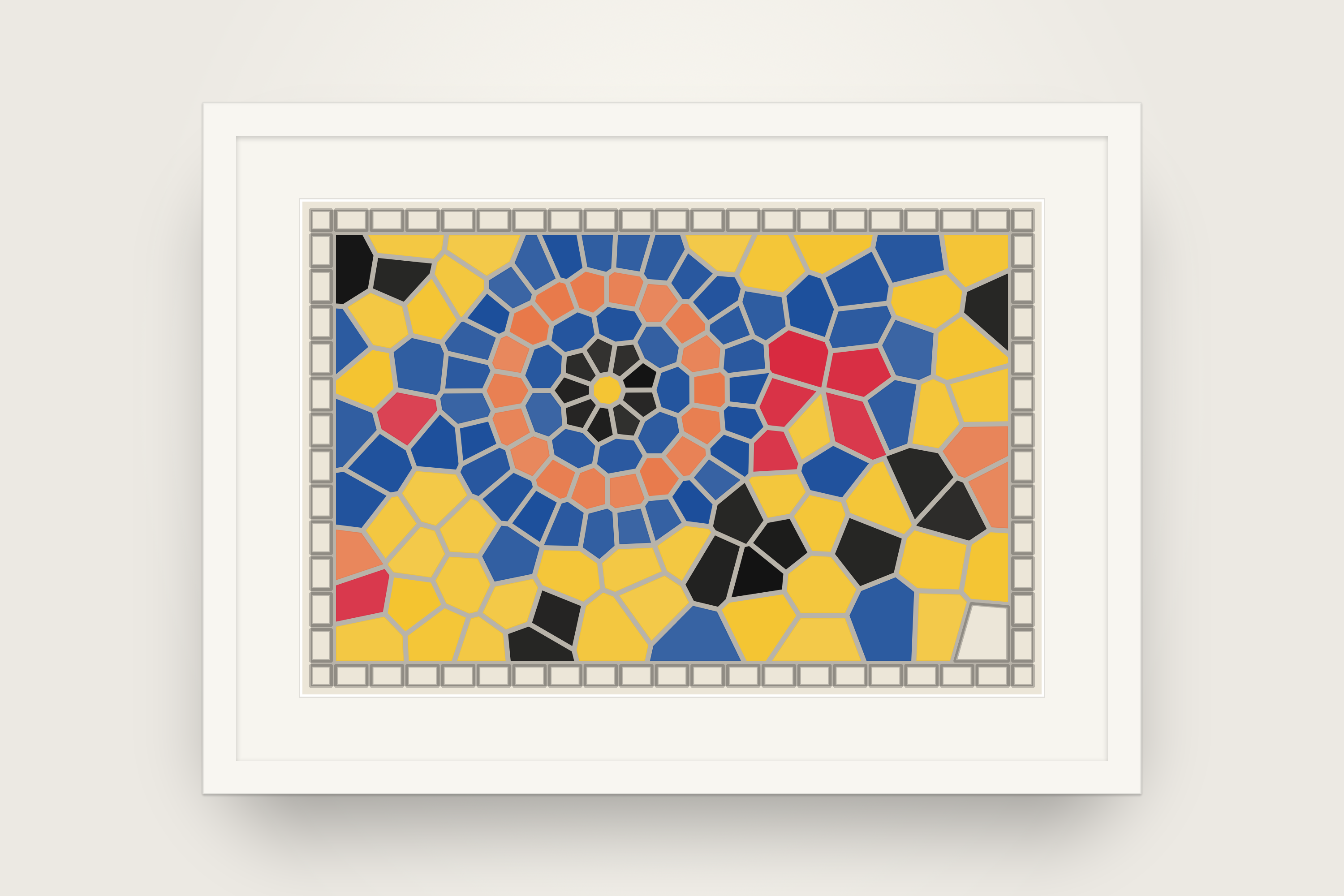
Stained glass Bauhaus, white frame
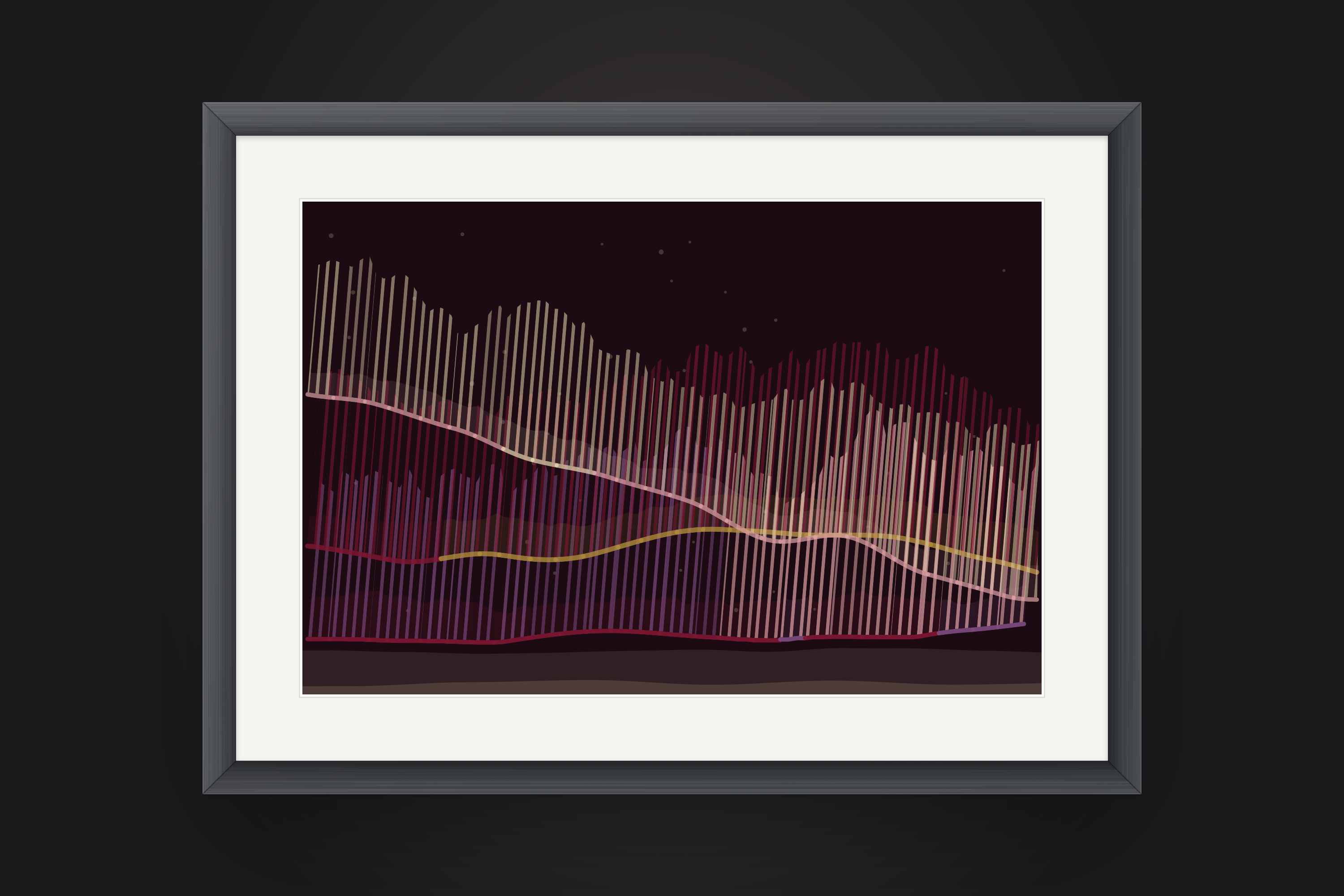
Aurora Velvet, gunmetal frame
Descriptions
Use these as they are or edit them to fit.
Tidsala is a countdown app for iPhone and iPad that turns every date into a generative artwork that paints itself in, day by day. Each piece is drawn by an algorithm on your device, from a seed.
Tidsala turns the dates you count toward into art. Add a birthday, a trip or a wedding, and the app draws a unique generative composition in faint outlines. It is drawn by an algorithm on your device, from a seed. Each day a little more of it fills with colour, until the piece is complete on the day itself, with the last strokes landing hour by hour. Finished pieces are kept, so your countdowns become a personal gallery. Widgets, reminders, yearly repeats and iCloud sync are free, with no ads, no subscription and no account.
Tidsala is a countdown app for iPhone and iPad where every event is a generative artwork that paints itself in, one day at a time. Each piece is drawn by an algorithm on your device, from a seed.
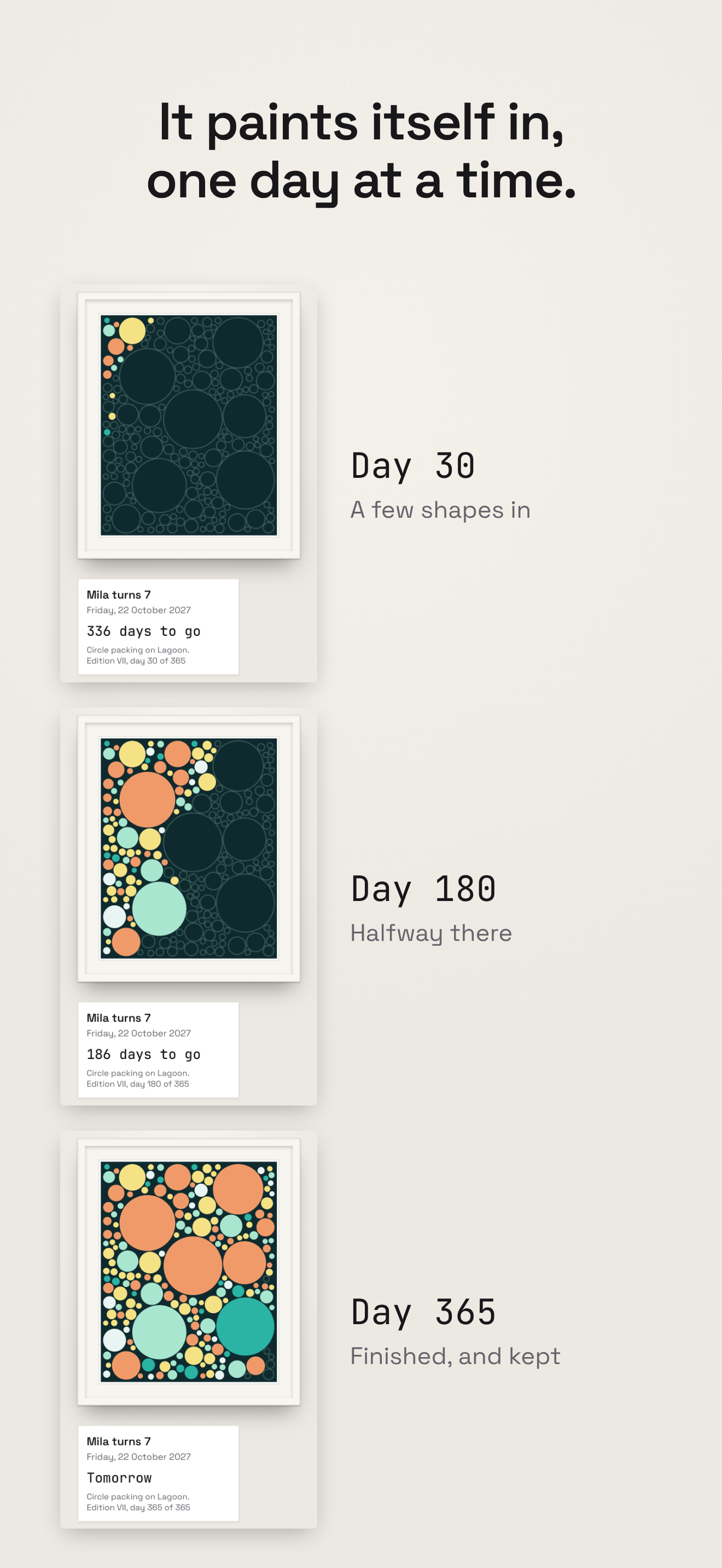
When you add a date, the whole composition is already there, drawn in faint outlines. Each day a little more of it fills with colour, sweeping in from the top left. On the final day the last strokes land hour by hour, so the piece is complete at the very moment you have been waiting for. Every piece is unique and reproducible, and if you don’t love one, you can recompose it until you do.
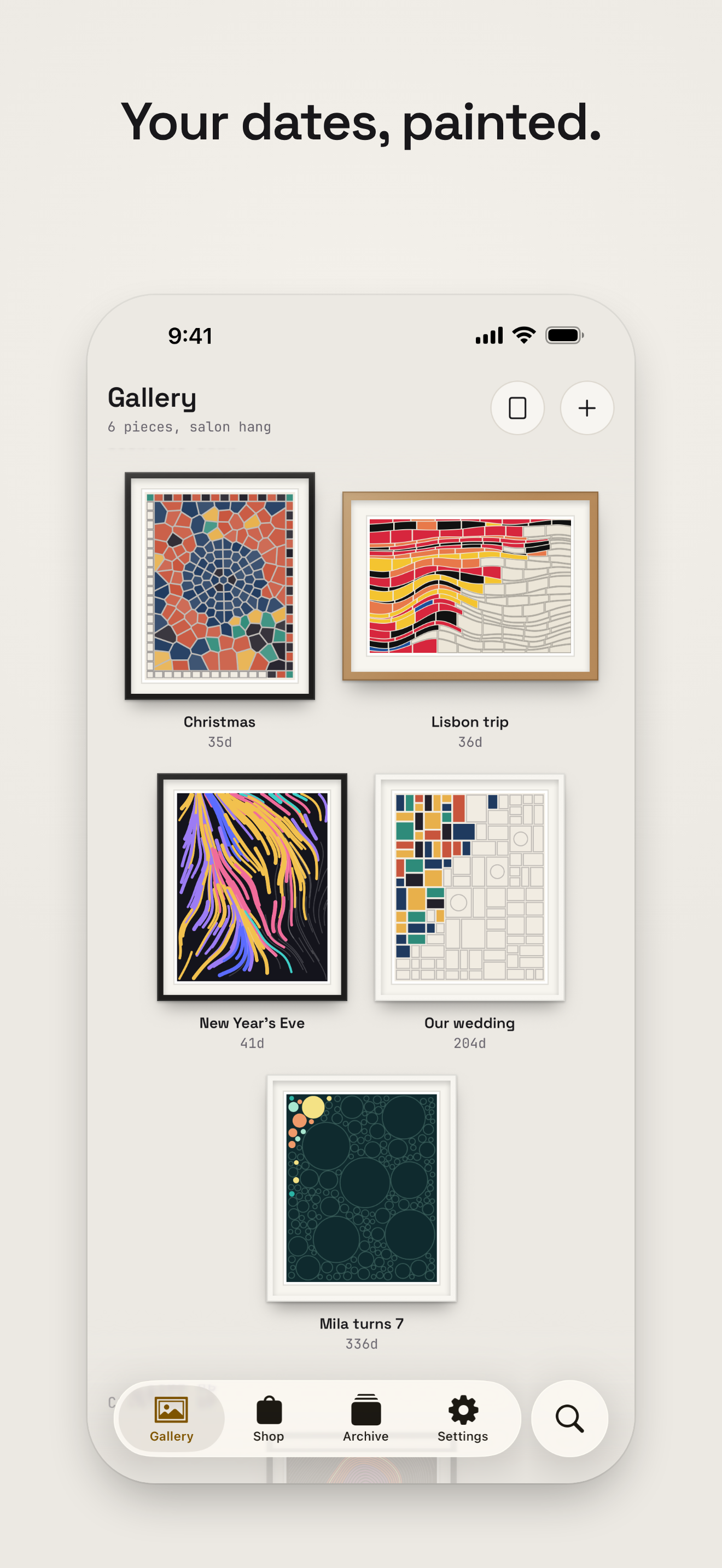
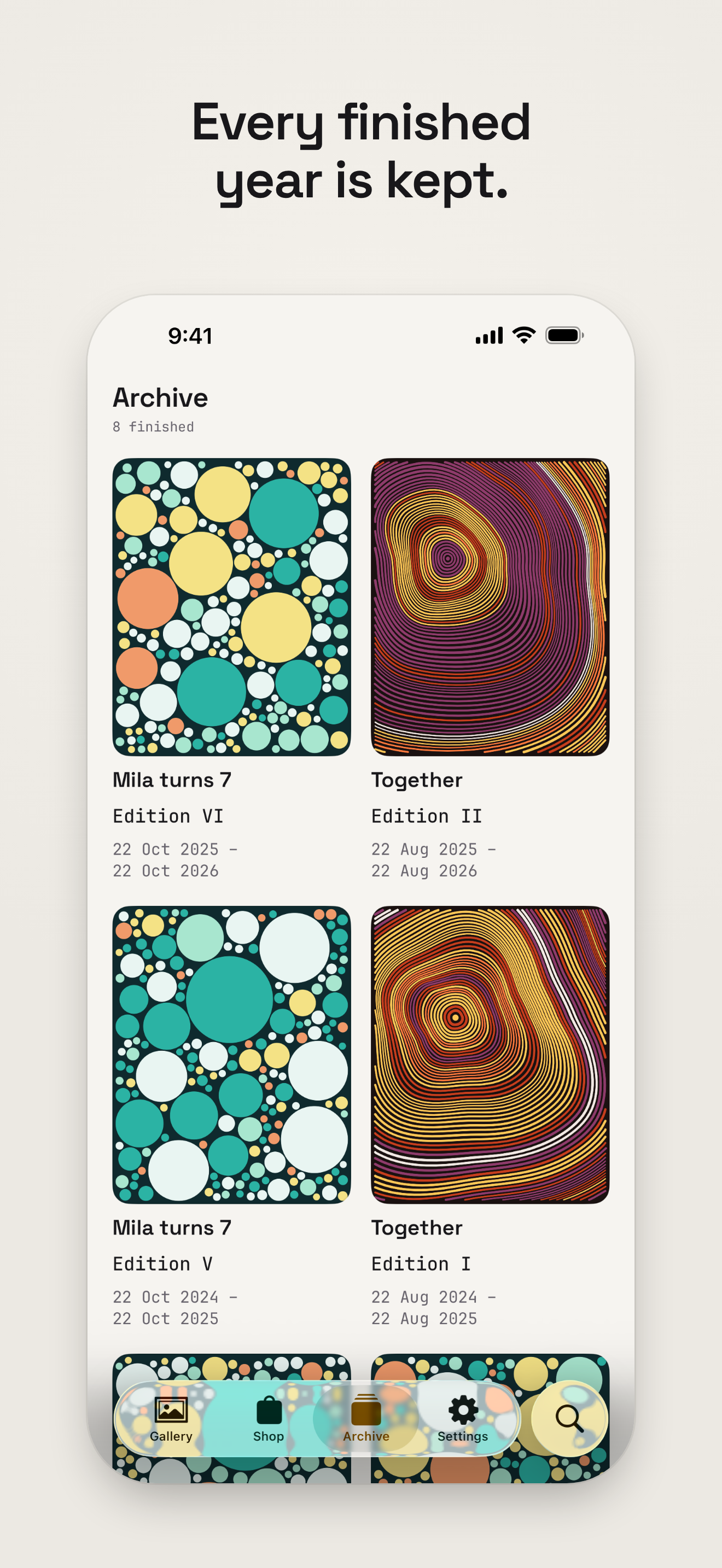
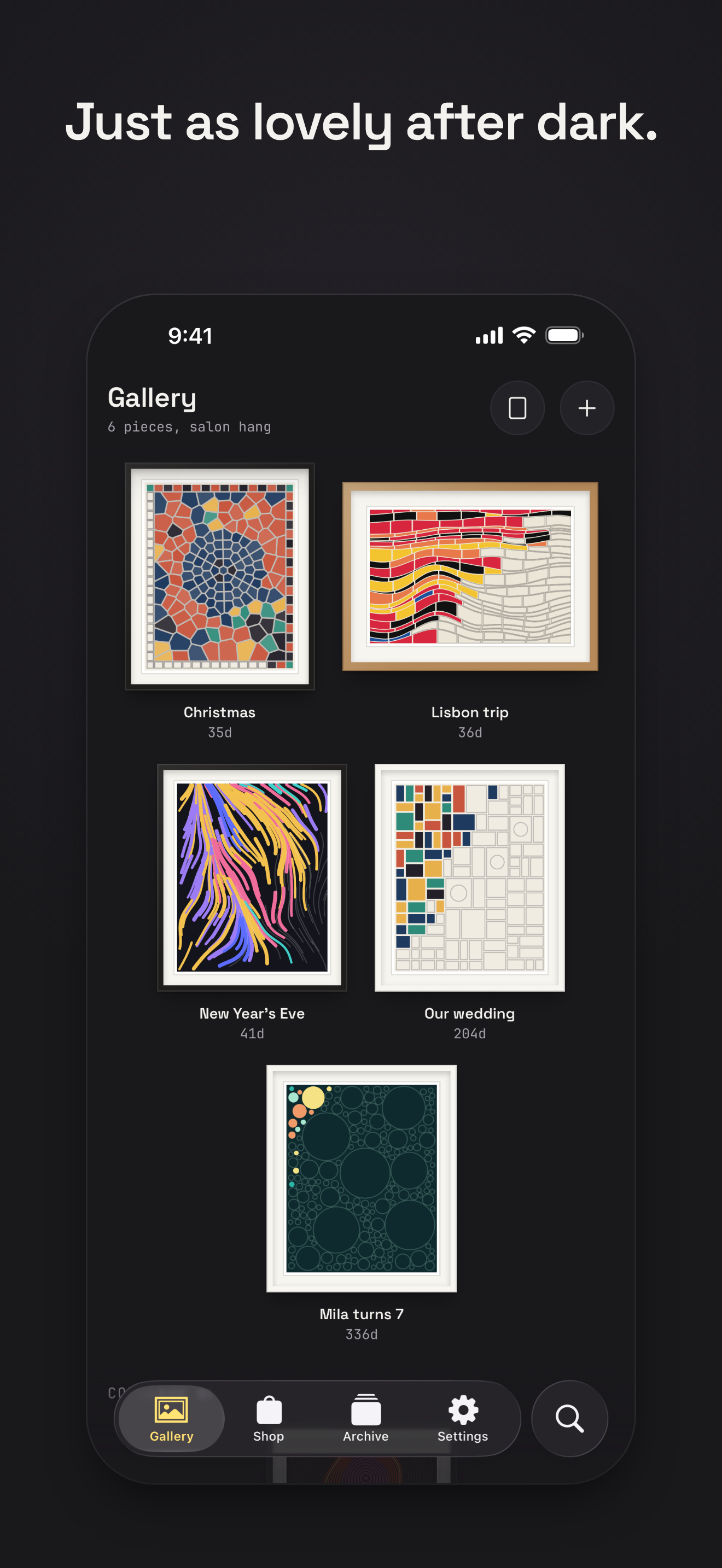
Finished pieces are kept. Birthdays and anniversaries repeat every year and paint a new edition each time, and dates in the past can be counted up from, so the Archive grows into a personal gallery of trips, holidays and milestones. Every piece hangs in a frame, on a wall, under a light you choose, and on iPad the pieces hang together on a salon wall or one at a time under a spotlight.
Home Screen and Lock Screen widgets, reminders, yearly repeats, iCloud sync and export are all free. A gallery shop offers a hundred further styles, palettes, frames, walls and lights as one-time purchases. Tidsala has no ads, no subscription and no account, and collects no data.
Press release, 17 November 2026
Groeneveld Studio releases a free iPhone and iPad countdown app that makes every date a unique generative piece and keeps it once the day arrives. It is out now.
Groeneveld Studio today released Tidsala on the App Store for iPhone and iPad. Tidsala is a countdown app in which every date becomes a generative artwork. Each piece is drawn by an algorithm on the device, from a seed. The composition appears in faint outlines when the date is added, fills in a little each day, and is complete on the day itself.
A trip 100 days away starts as a sketch and gains a few shapes of colour every morning. On the final day the last strokes land hour by hour, as a small finale for the moment the user has been waiting for. Once a piece is finished it is kept, and birthdays and anniversaries paint a new edition every year, so the app grows into a personal gallery. Dates in the past can be counted up from too, such as the days since a wedding or a move.
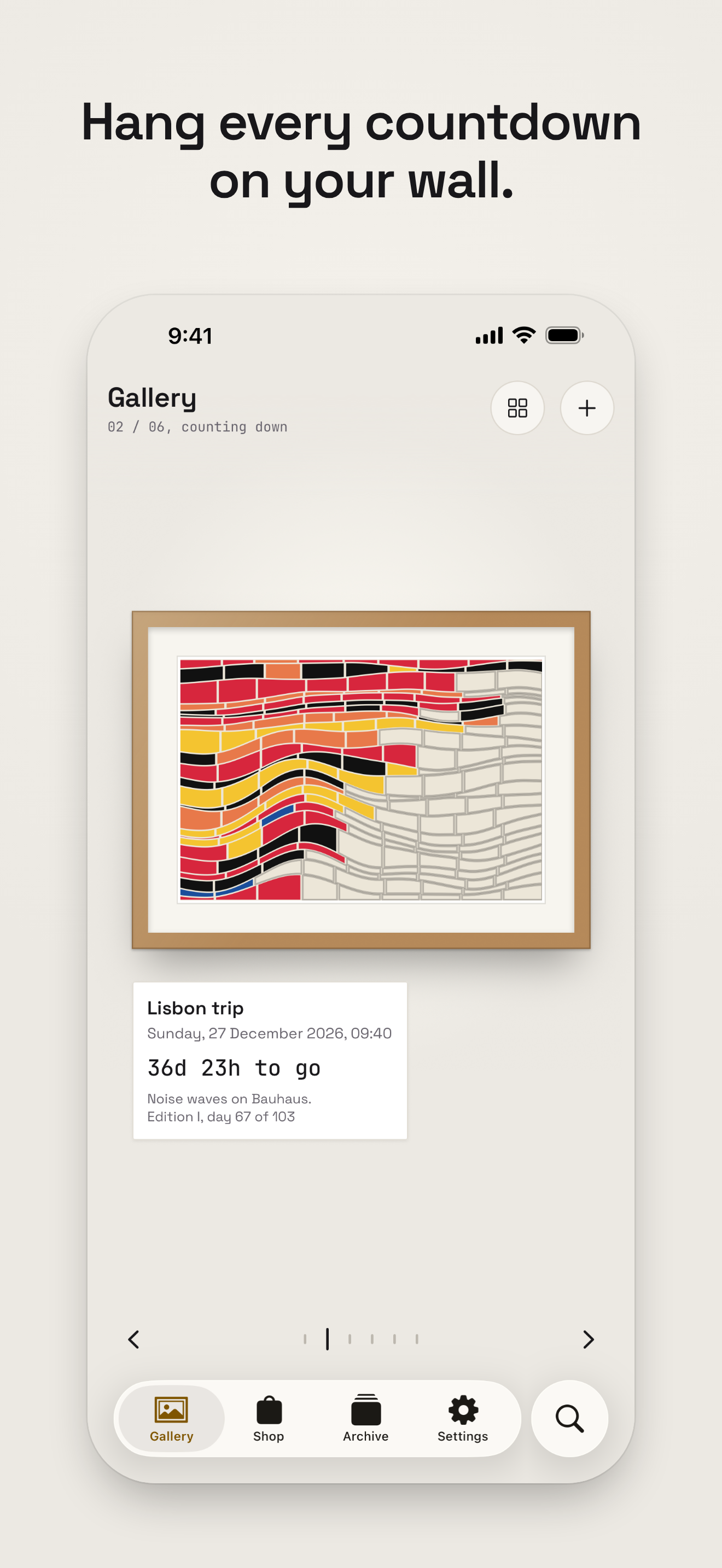
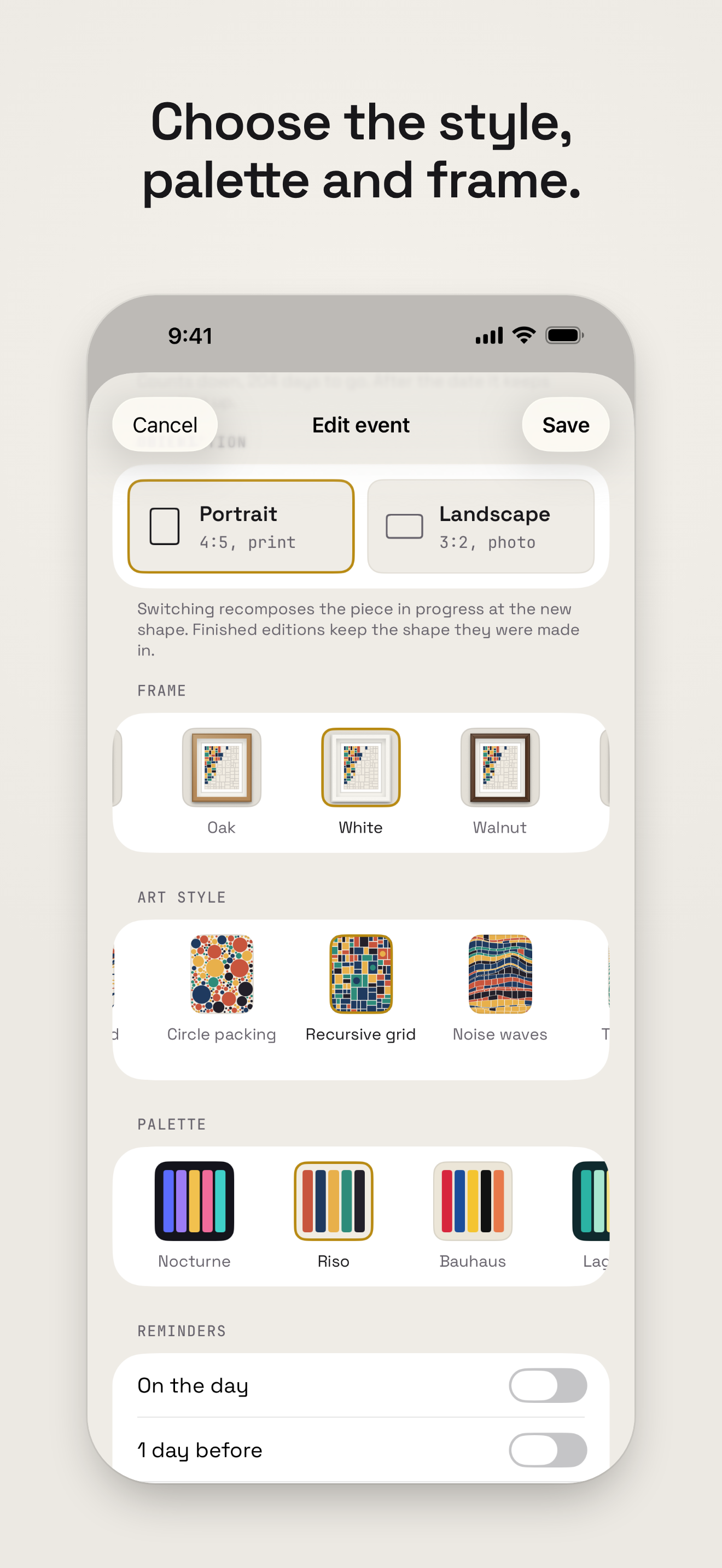
Every piece hangs in a frame, on a wall, under a light the user chooses. Tidsala includes four art styles, five palettes, three frames, two walls and a spotlight. On iPad, pieces hang together on a salon wall or one at a time under a spotlight, as a walk along a gallery.
Everything a countdown app needs is free: unlimited events, small, medium and large Home Screen widgets, Lock Screen and StandBy widgets, reminders, yearly repeats, iCloud sync across iPhone and iPad, and export of the whole gallery to a single file. Tidsala has no ads, no subscription and no account, and its App Store privacy label reads Data Not Collected.
A gallery shop offers a hundred further styles, palettes, frames, walls and lights as one-time purchases: single items for $0.99, packs of five for $2.99, or all of them with the Collector’s Pass, which also includes everything released later. The Pass costs $14.99 for the first 30 days and $24.99 after that.
Tidsala is available now in 175 countries and regions, in English. It requires iOS 26 or iPadOS 26.
Groeneveld Studio is the independent studio that designed and built Tidsala. Tidsala is published on the App Store by NXTSQR B.V.
support@groeneveldstudio.com
www.groeneveldstudio.com/tidsala/press/
App Store: https://apps.apple.com/app/id6821967487
Features
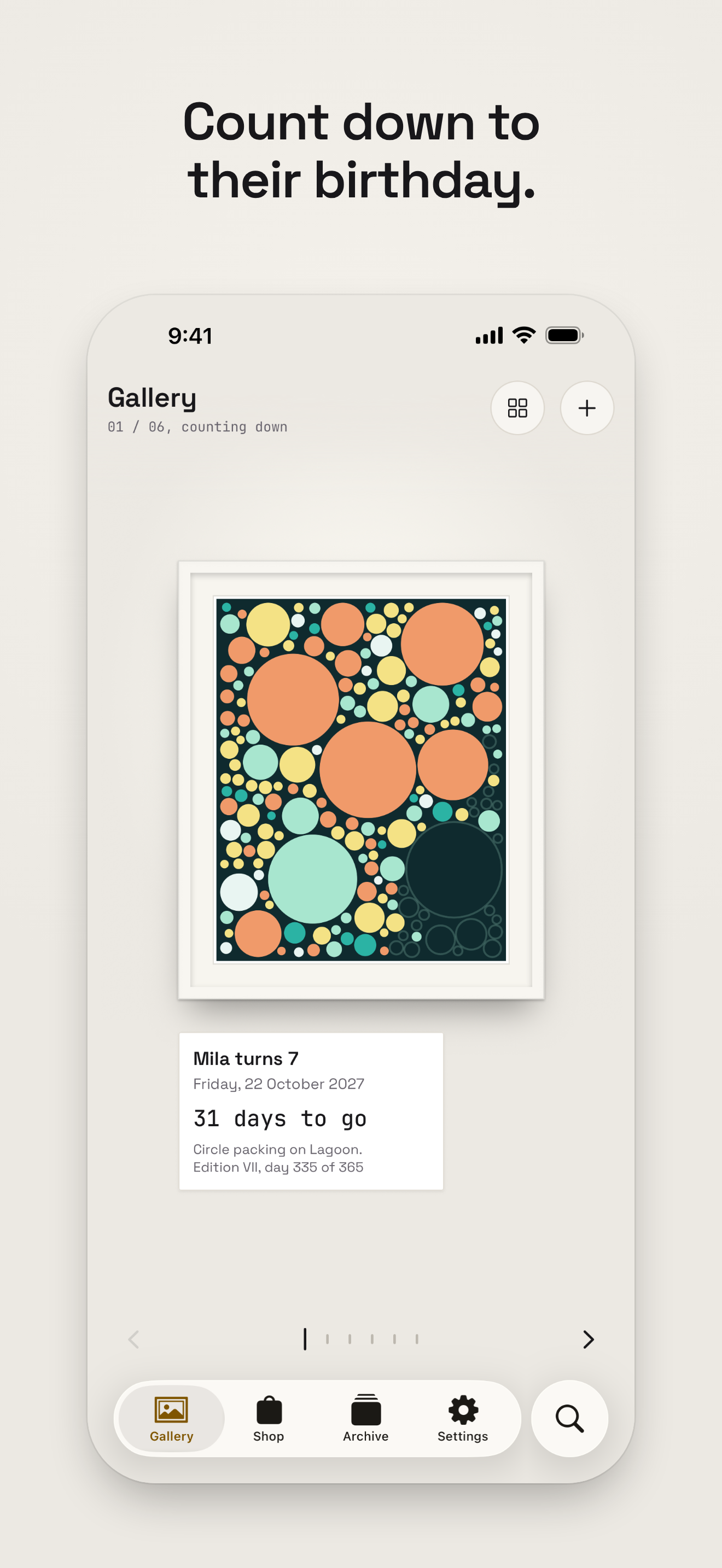
The piece fills a little every day from the date it is added, and completes on the day. A countdown less than a week away starts partly filled.
The last shapes land hour by hour over the final 24 hours. Timed events tick down to the minute; all-day events simply say “Tomorrow”, then “Today”.
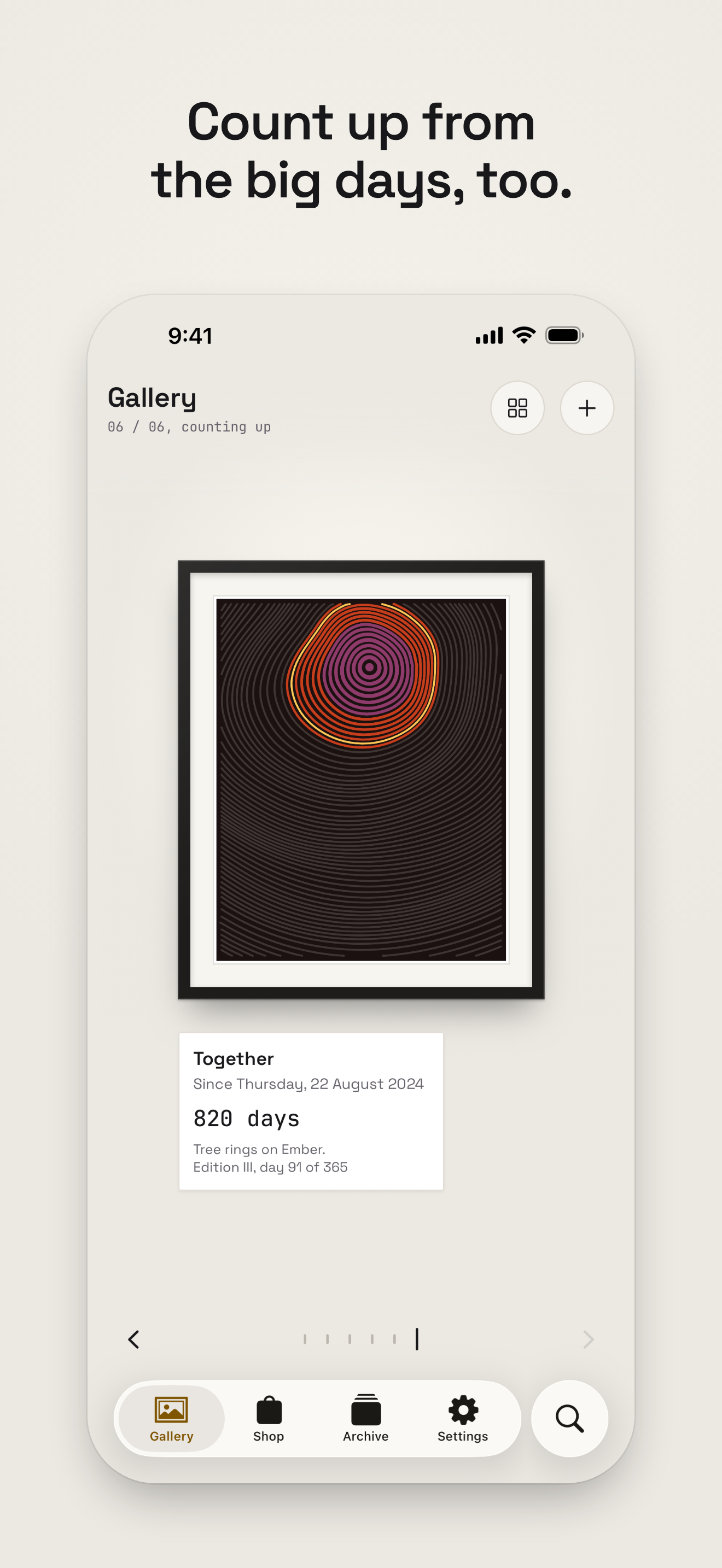
A date in the past counts up from it, “777 days since”, and paints a new piece for every year.
Birthdays and anniversaries repeat yearly. Each year is a new edition, numbered I, II, III, and every finished one is kept in the Archive.
Every piece hangs in a frame on a wall under a light. Recompose a piece until it feels right, or pick its style and palette.
Small, medium and large Home Screen widgets show the piece filling in. Lock Screen widgets carry a ring, a bar or a line. StandBy and tinted Home Screens are supported.
A salon wall of every piece, or a spotlit gallery walk one piece at a time, with keyboard shortcuts.
No account, no analytics, no tracking. iCloud sync uses the user’s own private database, and the whole gallery exports to one file.
Light and dark appearance, Dynamic Type, VoiceOver, Reduce Motion and Increase Contrast.
Video
Seamless 15-second loops of framed pieces filling in on a gallery wall. No sound.
App icon
1024 × 1024 PNG. Please show it as it is, without adding a frame, shadow or rounded corners of your own beyond the standard iOS mask.
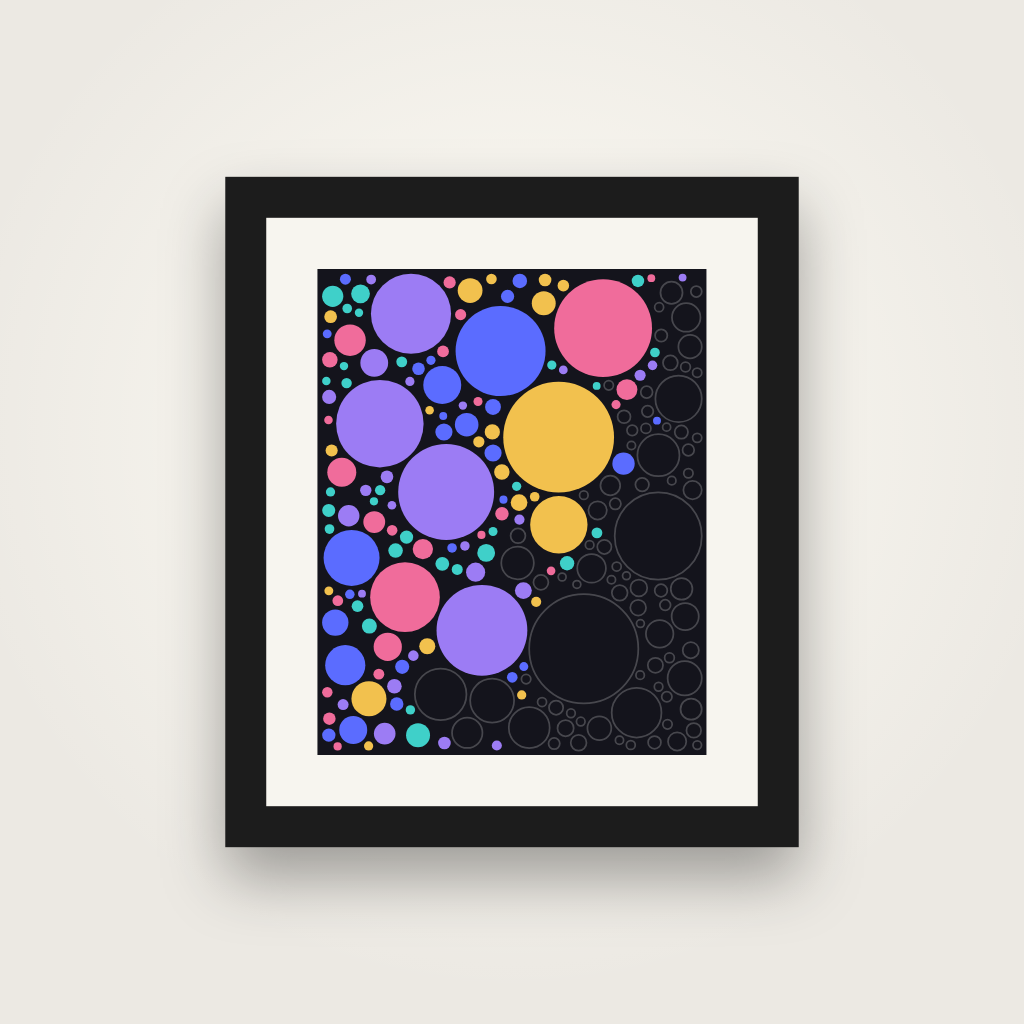
Icon
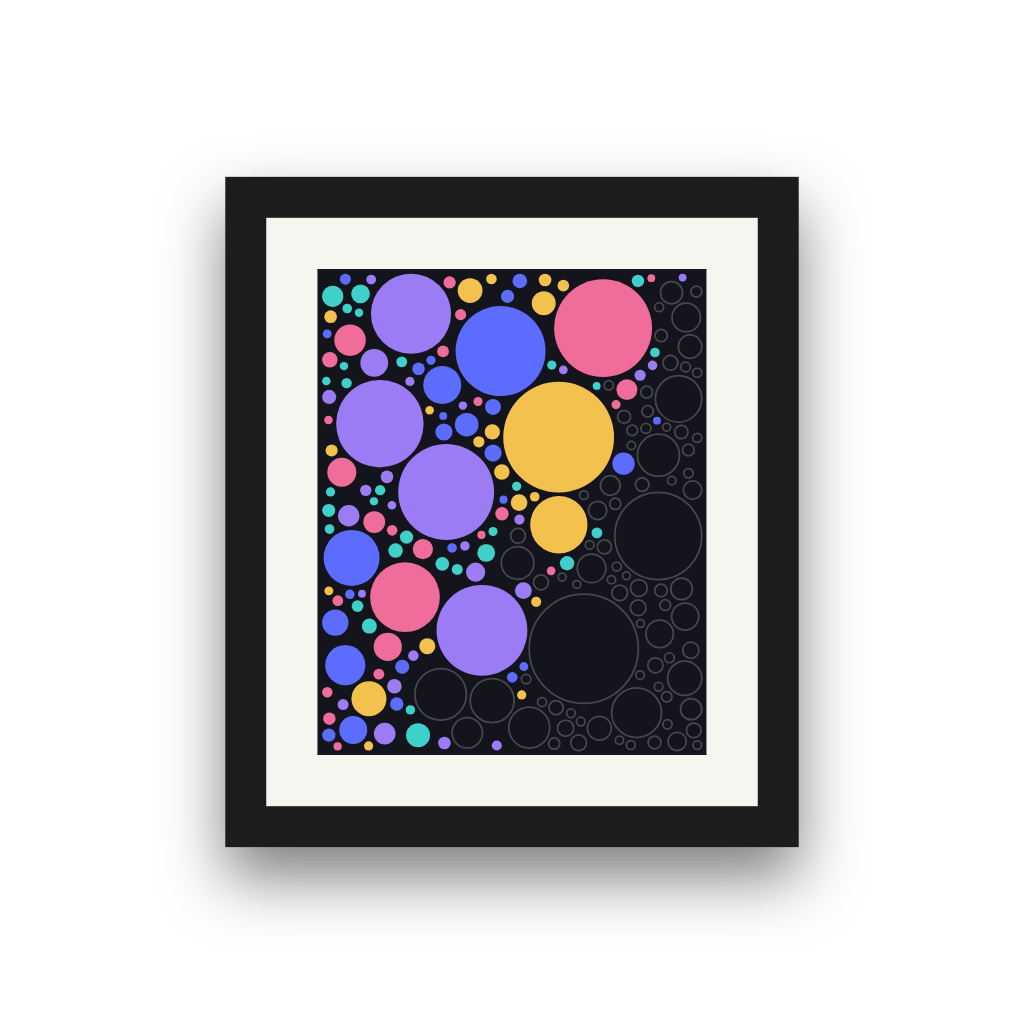
Dark
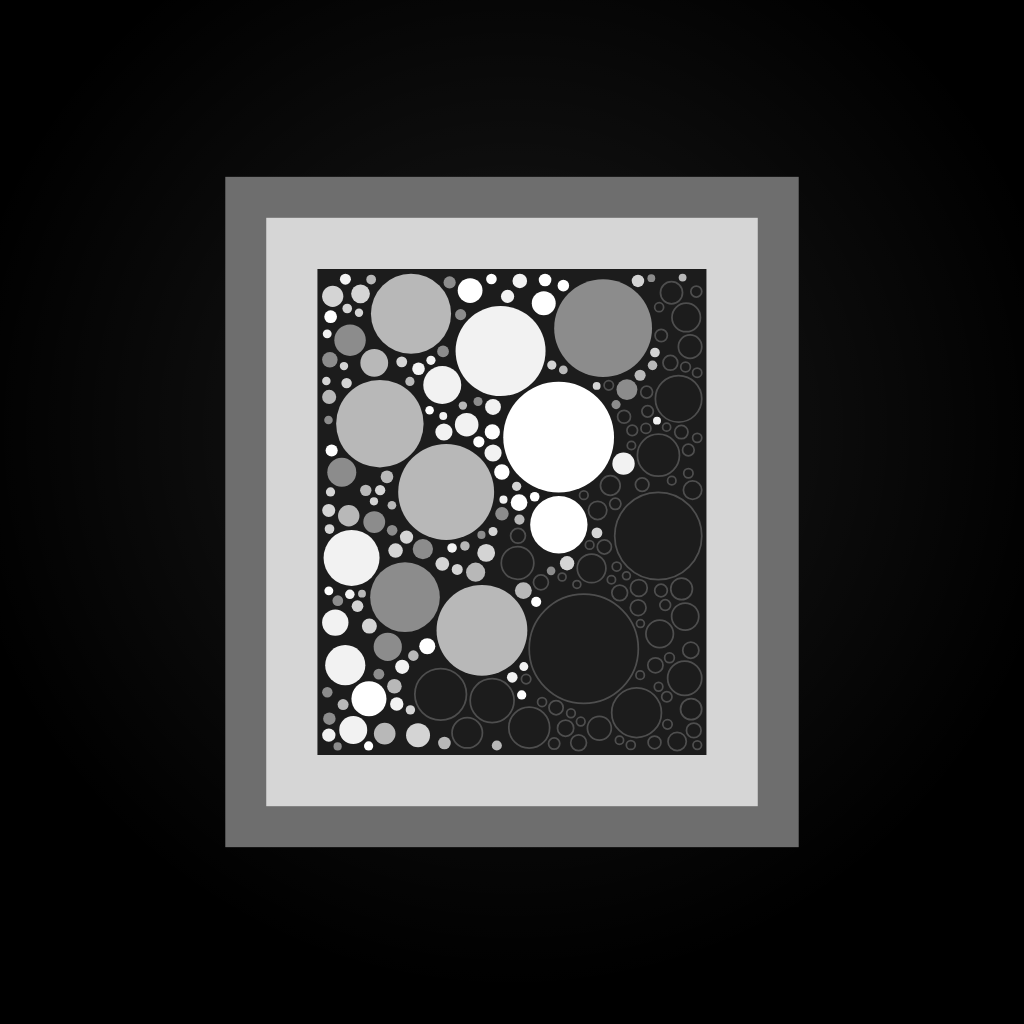
Tinted
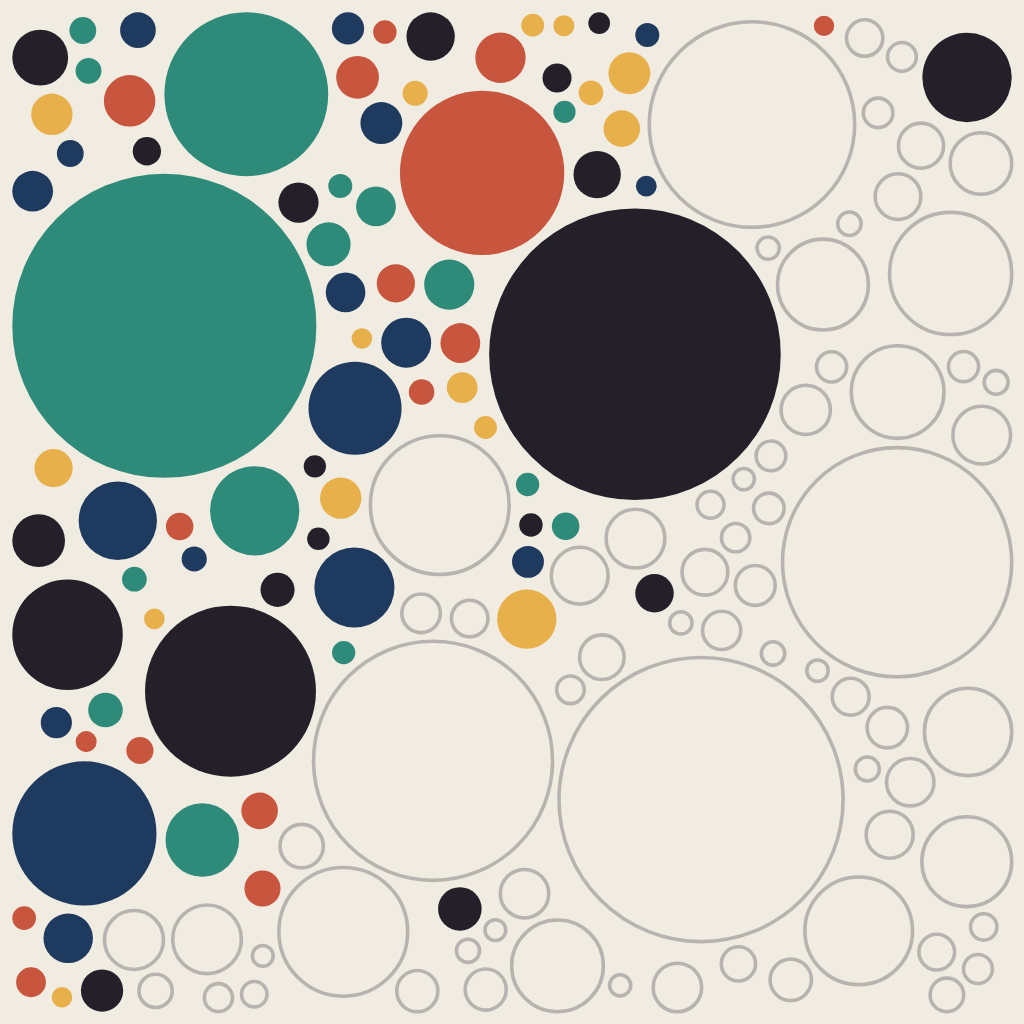
Unframed alternate
Contact
Write to Groeneveld Studio, the studio that made Tidsala.
support@groeneveldstudio.com
For a review copy before launch, ask about TestFlight access.